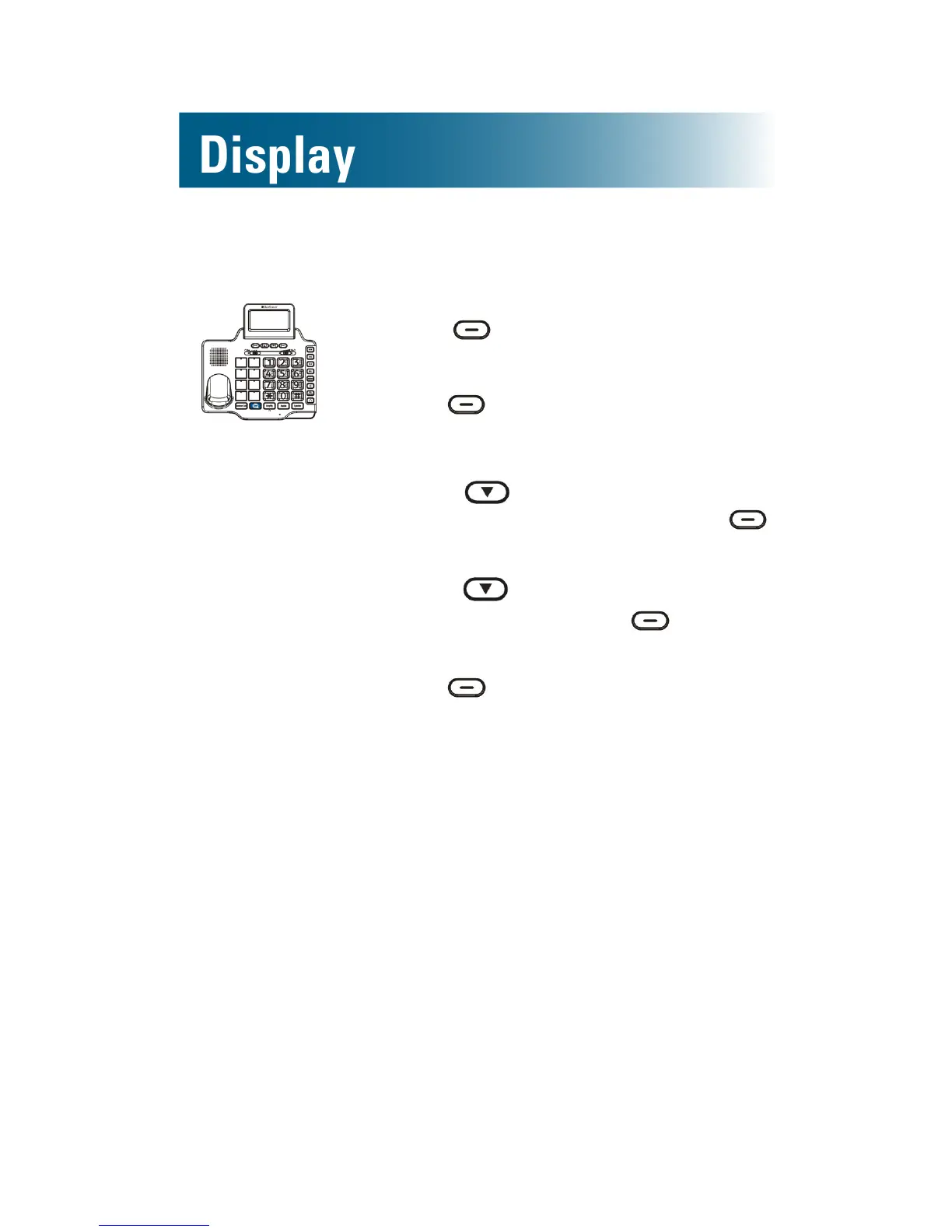
To adjust the screen contrast for the base
1. Press beneath Menu on the
screen.
2. Press beneath Select.
Set Display is selected.
3. Press and scroll to Set
Contrast, and then press
beneath Select.
4. Press and scroll to your
choice, and then press beneath
Select.
5. Press beneath Back, until you
arrive at the home screen.


 To Next Page