5. Press and scroll to your choice,
and then press beneath
Select.
A conrmation tone occurs.
6. Press .
The handset displays the new
format.
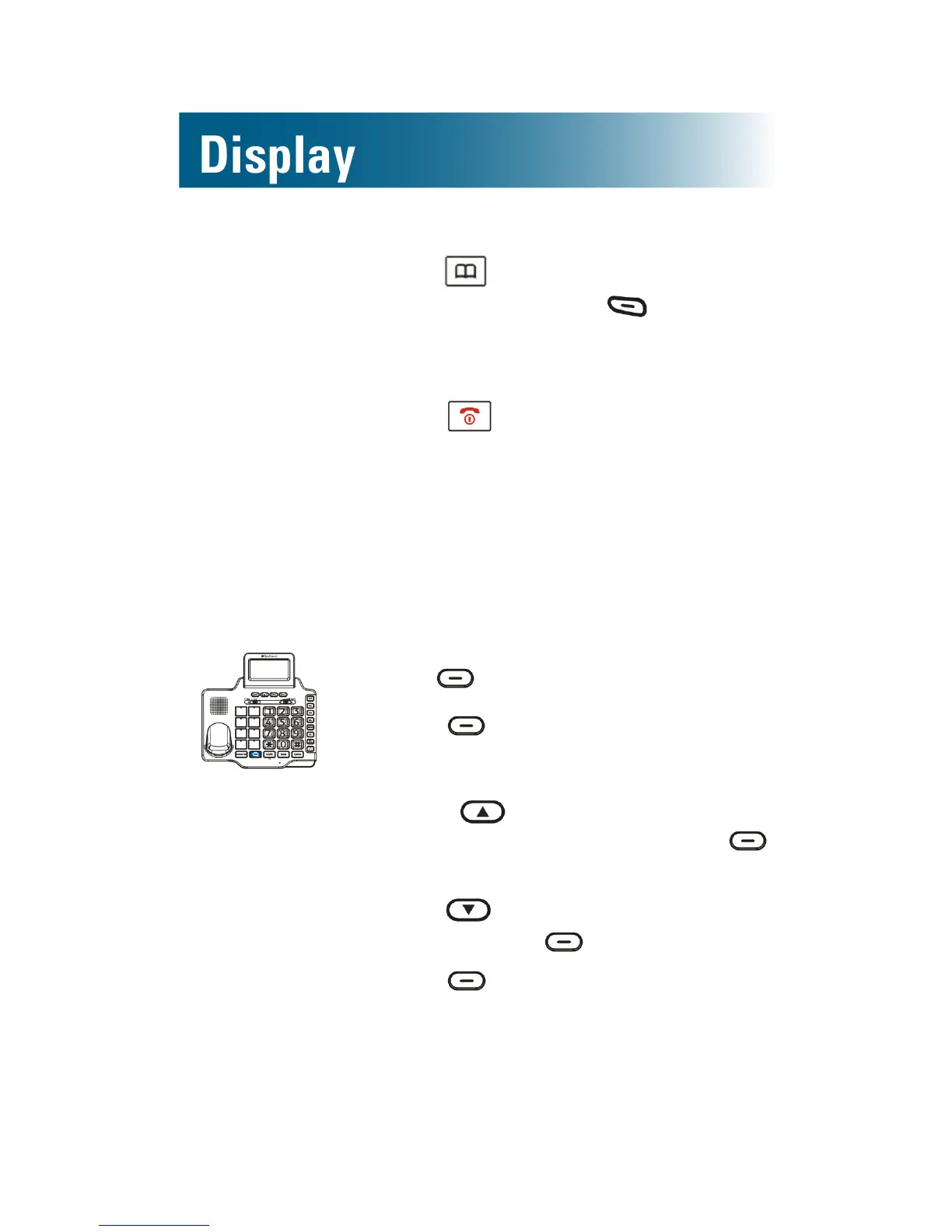
To set the hour format for the base
You can select the 12-hour format or the 24-hour
format.
1. Press beneath Menu on the screen.
2. Press beneath Select.
Set Display is selected.
3. Press and scroll to Hour
Format, and then press
beneath Select.
4. Press and scroll to your choice,
and then press beneath Select.
5. Press beneath Back, until you
arrive at the home screen.
The base displays the new format.



 To Next Page