Clickfree C2N Home Backup Drive User Guide Backing Up My Content (HD)
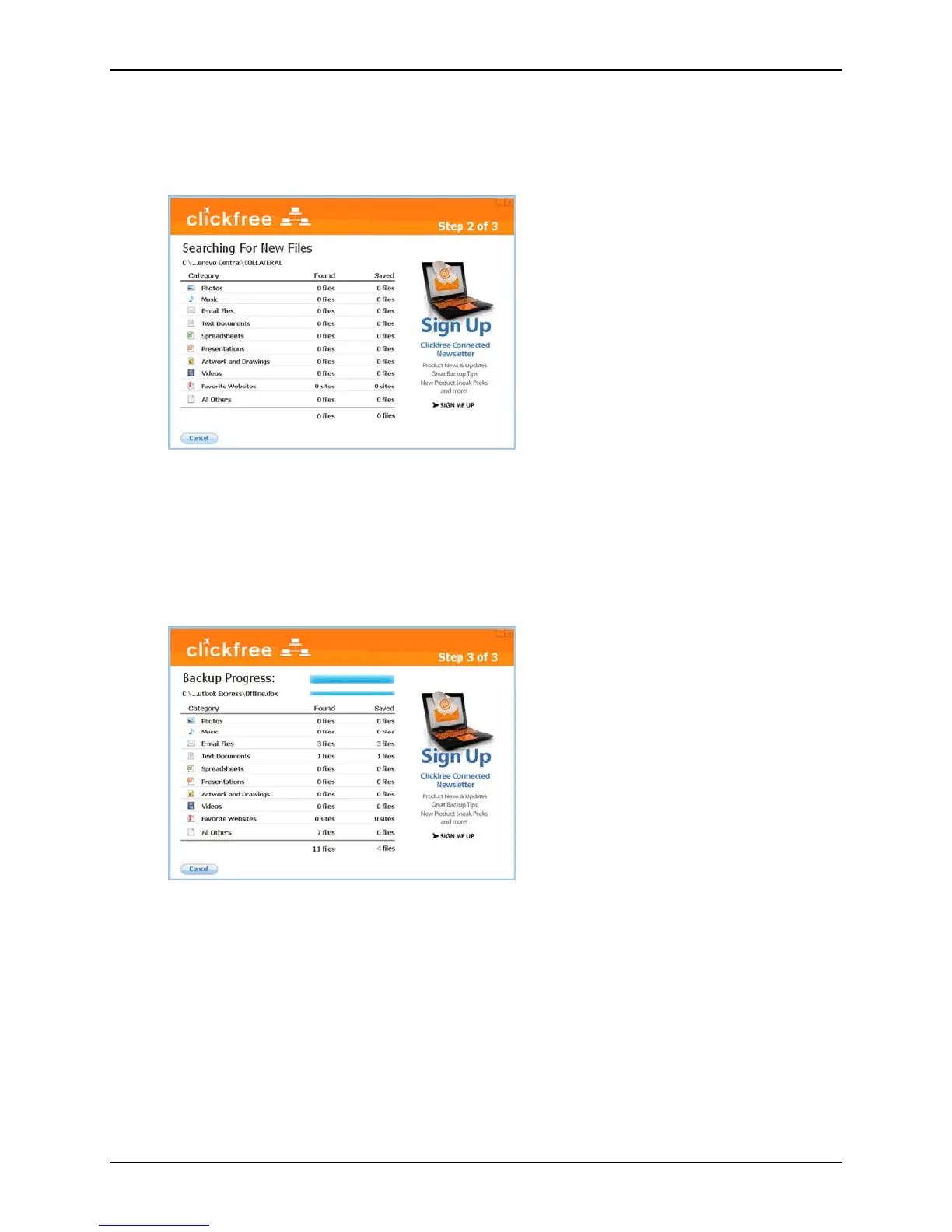
Clickfree searches for content to back up
Before actually backing up any content, Clickfree searches the locations you chose for
your chosen categories of content:
It adds up the sizes of all of the content it finds, then adds the sizes of the files in the
complete folders you also chose. See “What if there is not enough space on my Clickfree
C2N Home Backup Drive?” on page 30.
Clickfree backs up your content
If there is enough space on your C2N Home Backup Drive, Clickfree then backs up the
content and complete folders you chose to your C2N Home Backup Drive:
Copyright © 2010 Storage Appliance Corporation. 29



 To Next Page