Clickfree C2N Home Backup Drive User Guide Backing Up My Content (HD)
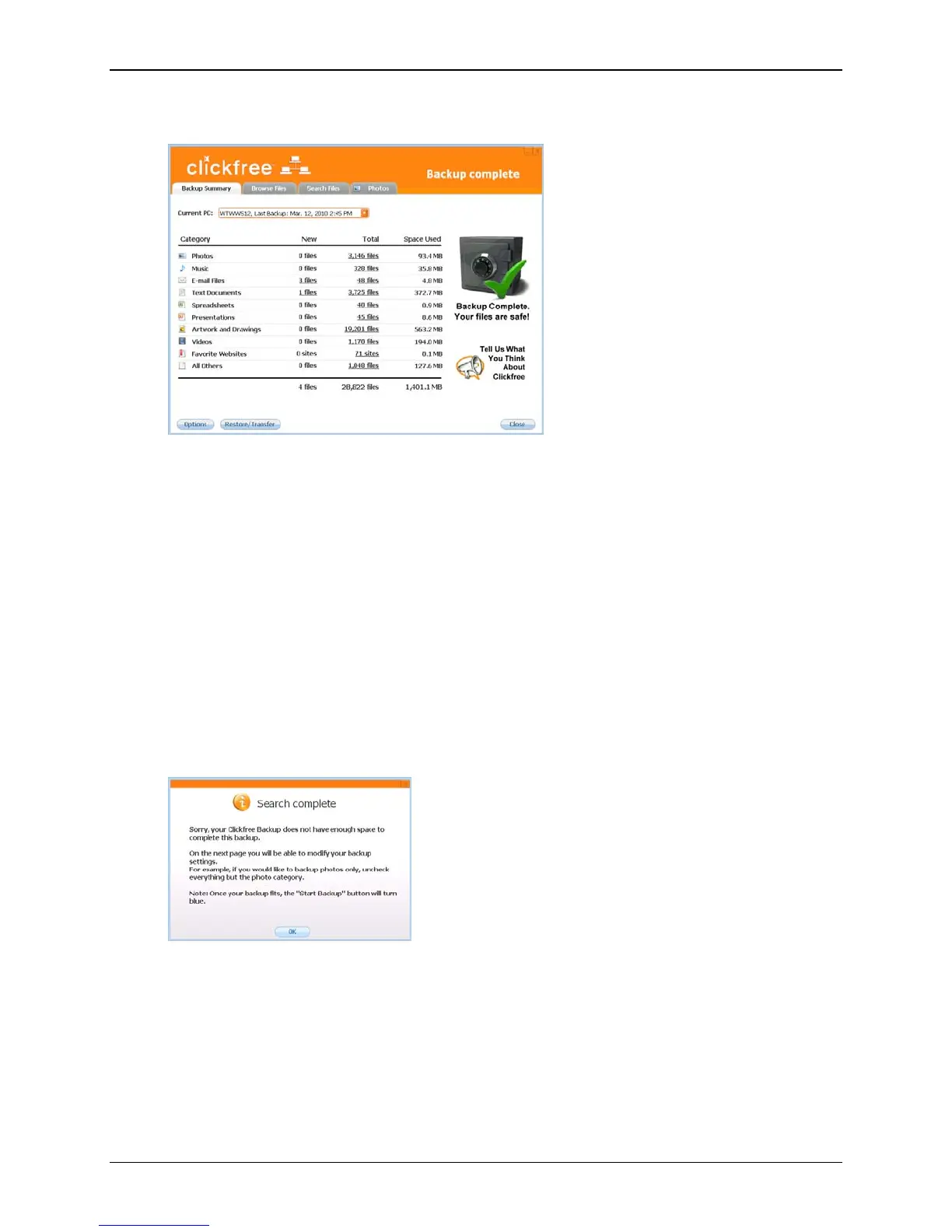
At the end of the backup, a Backup Summary screen is displayed:
The
Backup Summary screen shows you how many files in each category were backed
up this time (
New column) and from all backups for this computer, including this one
(
Total column). The Space Used column shows the amount of space that files from all
backups for this computer take up on the C2N Home Backup Drive.
When you see the
Backup Summary screen, simply unplug the Clickfree C2N Home
Backup Drive and store it in a safe place.
WHAT IF THERE IS NOT ENOUGH SPACE ON MY CLICKFREE C2N HOME BACKUP
DRIVE?
While Clickfree is searching for content to back up, it adds up the amount of disk space
needed and compares that with the free space on the C2N Home Backup Drive. If there
is not enough free space for your content, Clickfree prompts you to change the files
selected for backup:
Copyright © 2010 Storage Appliance Corporation. 30



 To Next Page