Clickfree C2N Home Backup Drive User Guide Backing Up My Content (HD)
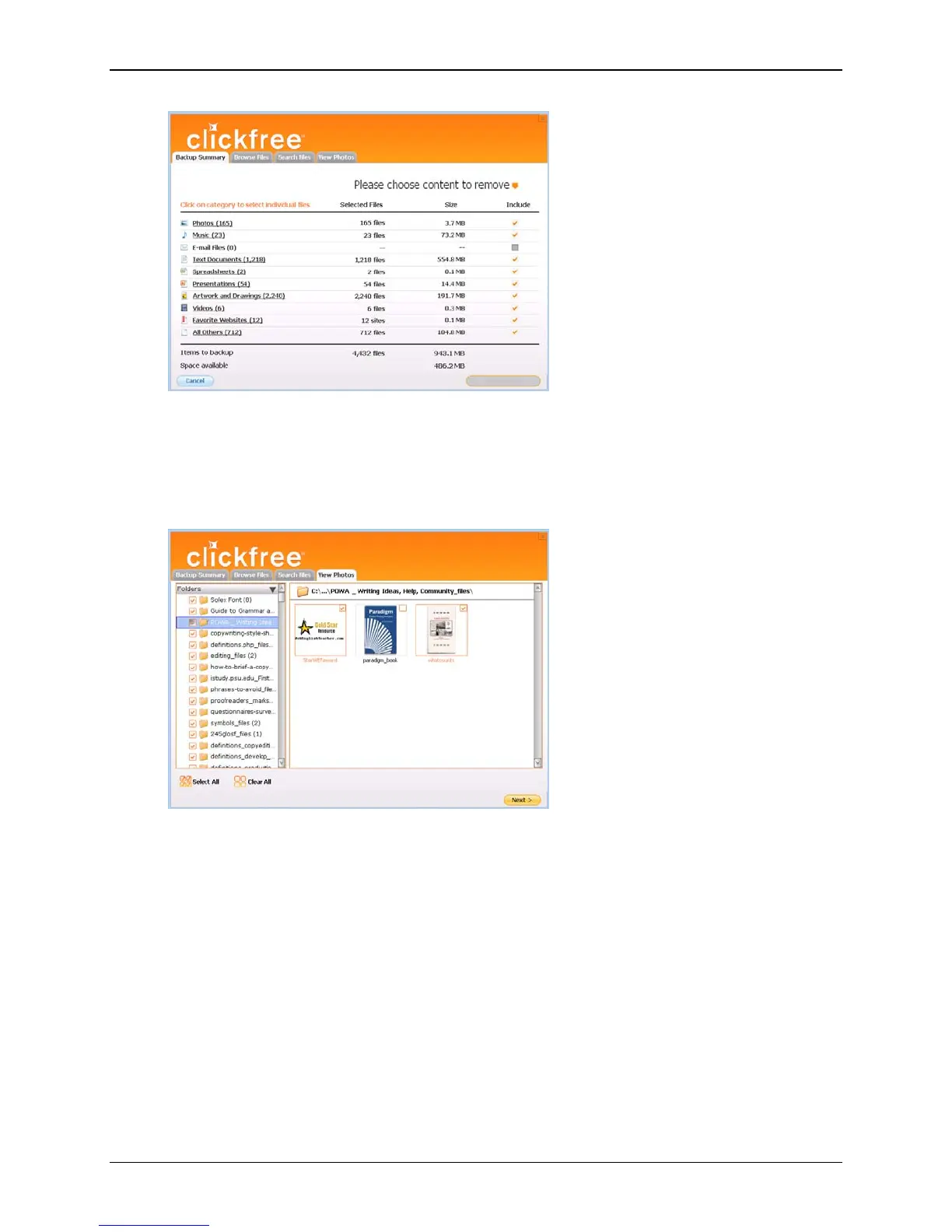
Either:
• unselect one or more content categories by unchecking their
Include checkboxes,
until the
Start Backup button is enabled (turns orange), or
• use the
Browse, Search, and/or Photo tabs to choose files not to be included in
the backup:
Copyright © 2010 Storage Appliance Corporation. 31



 To Next Page