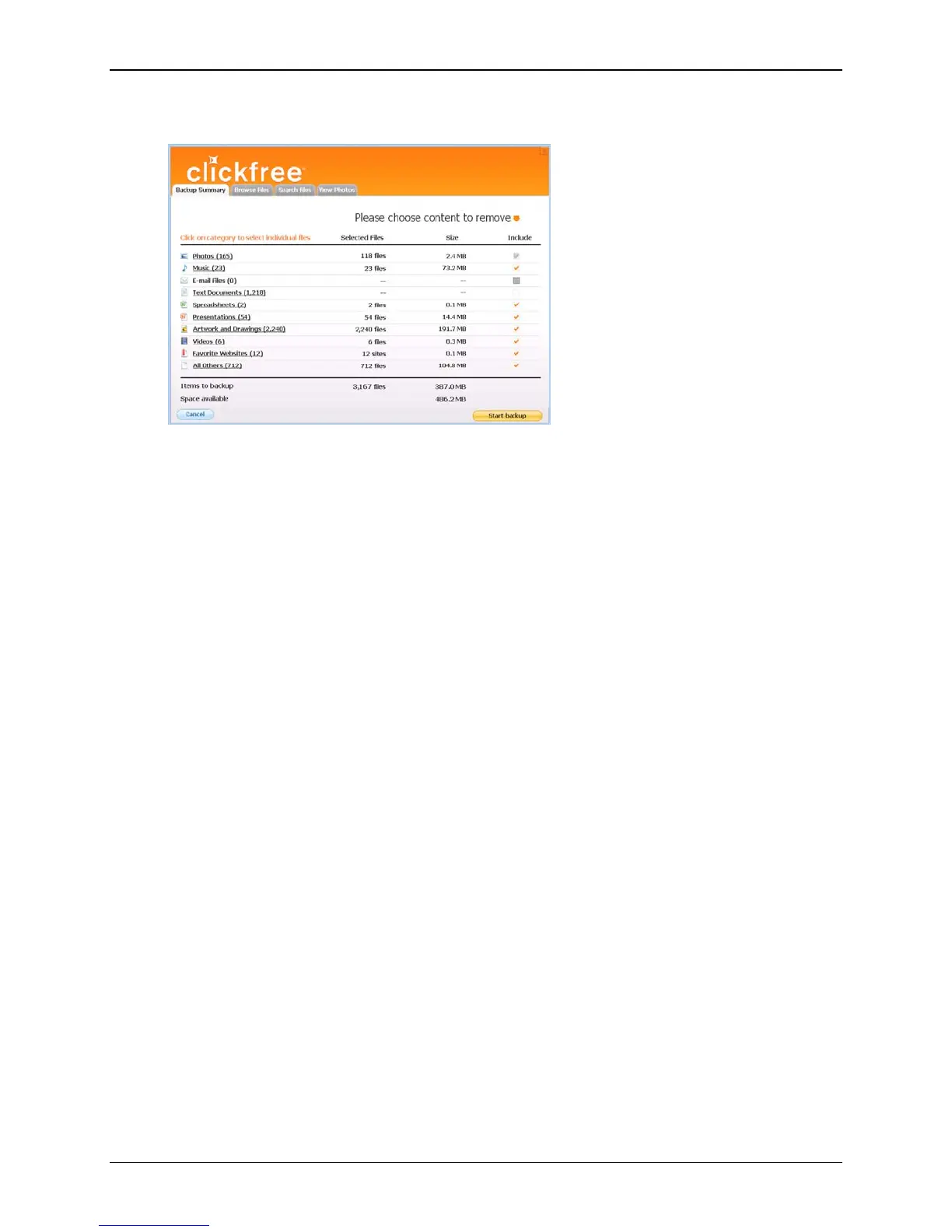
Clickfree C2N Home Backup Drive User Guide Backing Up My Content (HD)
When the Start Backup button is enabled (turns orange):
click
Start Backup. Backup proceeds as usual.
As an alternative, if you have backups from an old computer that you don’t need to
keep any more, you could cancel the backup, remove the old computer (for details, see
“To remove a computer” on page 61), and restart the backup.
Copyright © 2010 Storage Appliance Corporation. 32



 To Next Page