34 WSAT-XIN 21-171 M0Q940G14-03
8.14 Clock setting
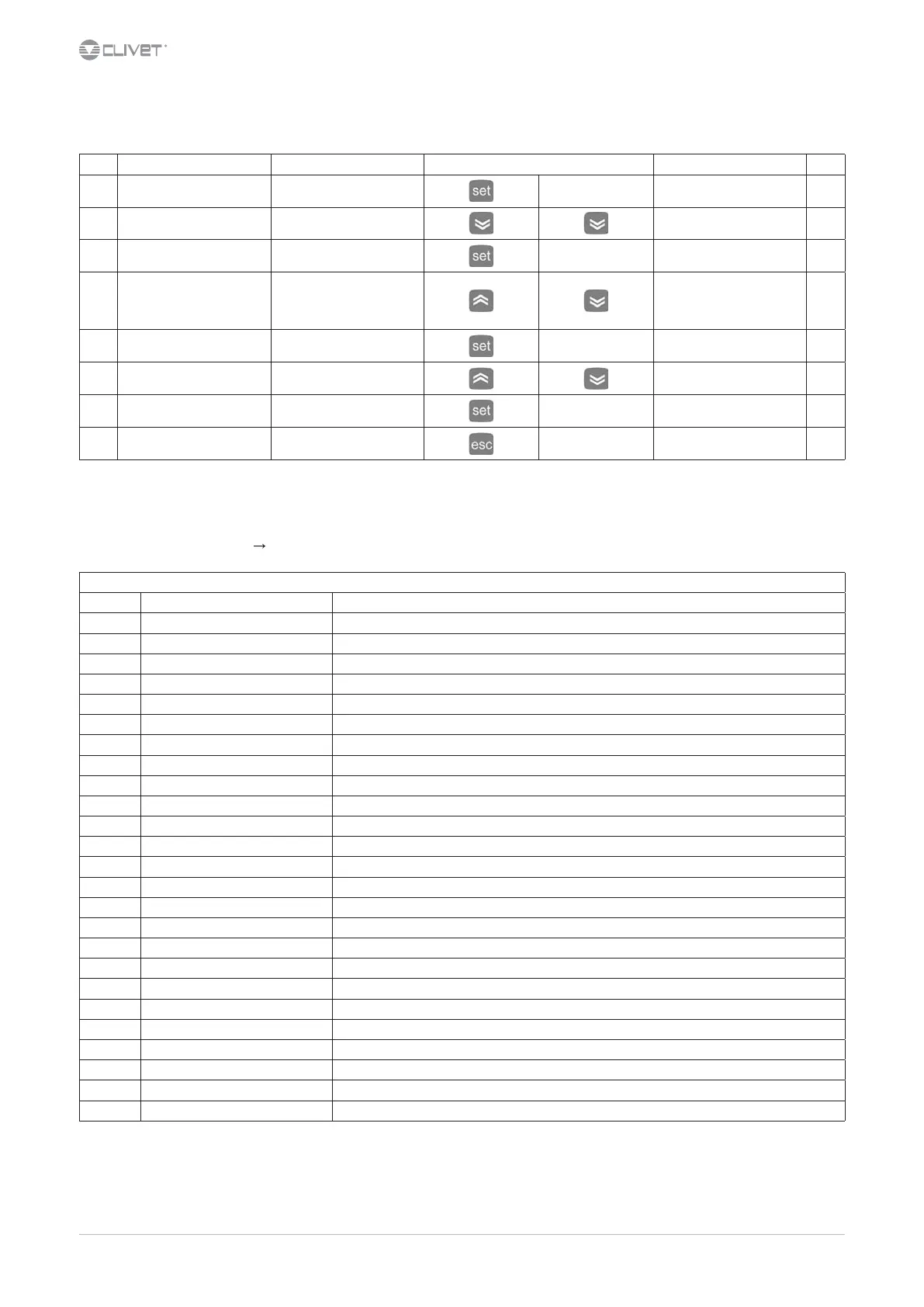
Step Display Action Keys Menu/Variable Notes
1 Main menu Press
Ai
2 Ai Select
CLOCK menu
3 CL Access
Hour
4 Hour Select
Choose
hour: HOUR
date: DATE
year: YEAR
5 YEAR Press 3 sec.
Conrm
! Value ashing !
6 ! 2012 ! Press
Set the value
7 ! 2013 ! Conrm
2013
8 Press
Back to step 4
8.15 Setting menu
access to the conguration parameters
Keys Esc + Set Menu PAr
SETTING menu - PAR (conguration parameters)
Label Acronym meaning (label) Parameters of:
CL Conguration Local Local I/O Conguration
CE Conguration Expansion Expansion I/O Conguration
Cr Conguration Remote terminal Remote terminal I/O Conguration
CF ConFiguration Conguration
Ui User interface User interface
tr thermoregulation Thermoregulation
St Stati (Operating modes) Operating stata
CP ComPressori Compressor
PI Pump (Internal) Primary circuit water pump
FI Fan (Internal) not used currently
FE Fan (External) Fans (external) of the disposable exchanger
PE Pump (External) Not used
Hi Electric Heaters (Internal) Electric heaters of the primary exchanger
HE Electric Heaters (External) not used currently
HA Auxiliary Output Not used
br Boiler not used currently
dF Defrost Defrosting
dS dynamic Setpoint Dynamic Setpoint
Ad Adaptive Adaptive (adaptive function)
AF AntiFreeze Anti-ice
AS Domestic hot water, Anti-Legionella Domestic hot water, Anti-Legionella
HP Heat Pump Not used
PL Power Limitation not used currently
tE Time Events Time bands
AL ALarm Alarms


 To Next Page
 Loading...