Chapter 4: Setup and verification
22 System app
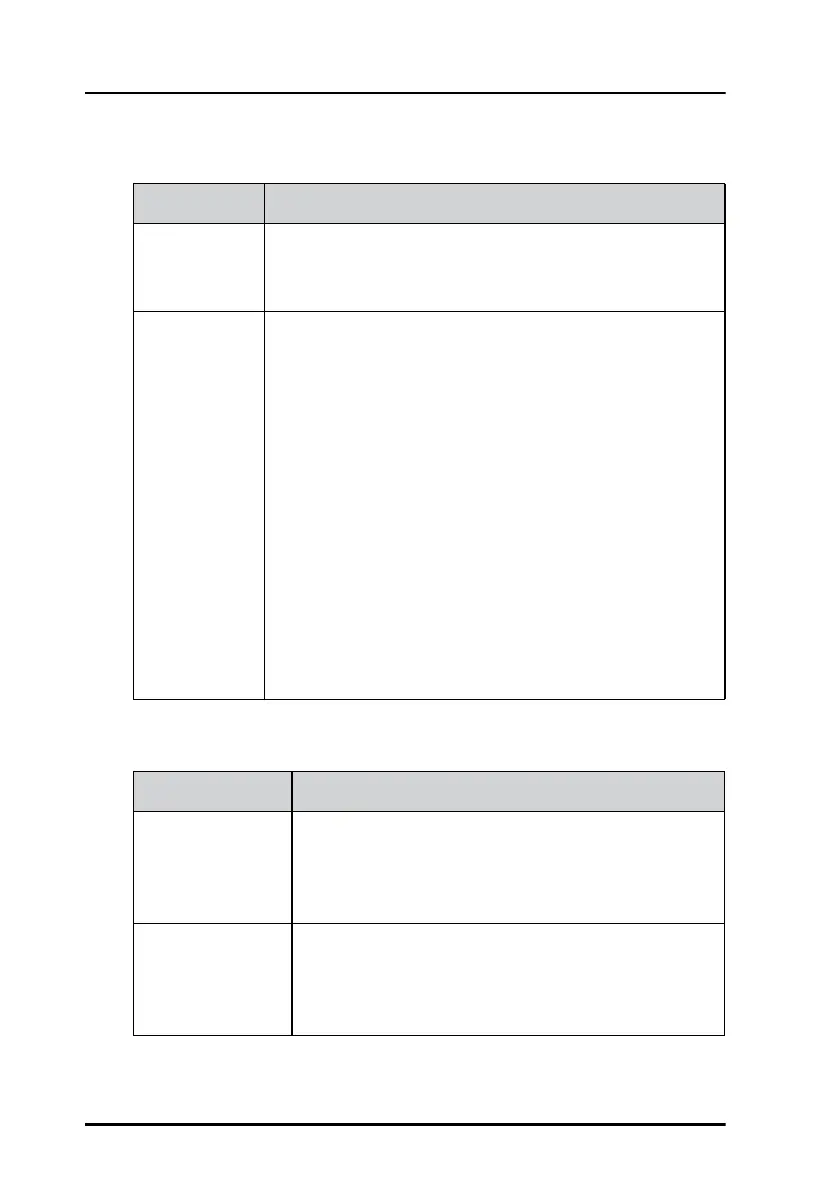
Date/Time
Security
Date/Time Description
Use 24-hour
format
If selected, the time is shown in 24 hour format. If not
selected, the time is shown in 12 hour format with the
suffix AM or PM. (Default: 24 hour)
Select time
source
LWE: The time is automatically updated by devices on
the network that support transmitting time via LWE (e.g.
SAILOR Mini-C, AIS, Navtex, etc.)(Default: LWE)
NMEA0183: The time is updated if equipment
transmitting NMEA ZDA sentences is connected to the
10-pin plug (ACC) on the rear of the Control Panel.
NTP: The time is updated if an NTP (Network Time
Protocol) server is present on the network. The address
or IP of the server can be input after selecting NTP.
Manual: The time is set manually. When selected, you
can input date and time. This is not recommended, as
the Control Panel does not have an internal clock with
backup. After each power cycle the correct time must be
entered again.
Security Description
User Password This option is used to change user password on the
control panel.
The user account can unlock lower level locked
options on the control panel.
Admin Password This option is used to change admin password on the
control panel.
The admin account can unlock higher and lower level
options on the control panel


 To Next Page