Settings
98-135323-H Chapter 2: Operation 33
To disable Silent Mode do as follows:
1. Unlock the page by tapping Authorize changes and entering the user-level
password.
2. Tap the selection field to disable Silent Mode.
3. Tap the arrow in the bottom left corner to return to the ship list.
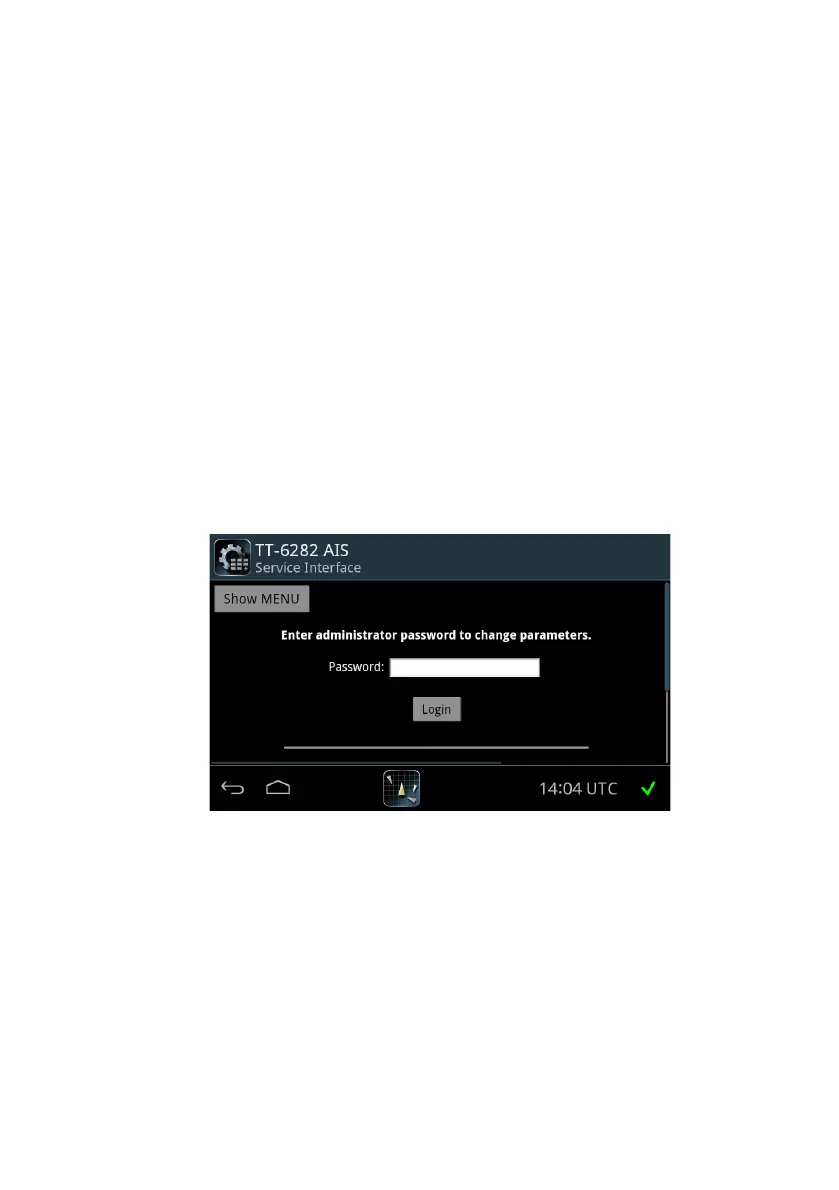
To view configuration
Service Interface
You can view the configuration parameters in the Service Interface, by tapping
System > Applications and tapping the List Icon > Device List and select
your TT-6282 AIS in the list, now tap the List Icon again and select Service
Interface.
Now you can view the configuration parameters by tapping Show MENU and
select the category.
Figure 26: Settings – Access of the Service Interface via
the SAILOR 6004 Control Panel














 To Next Page