Settings
98-135323-H Chapter 2: Operation 15
Settings
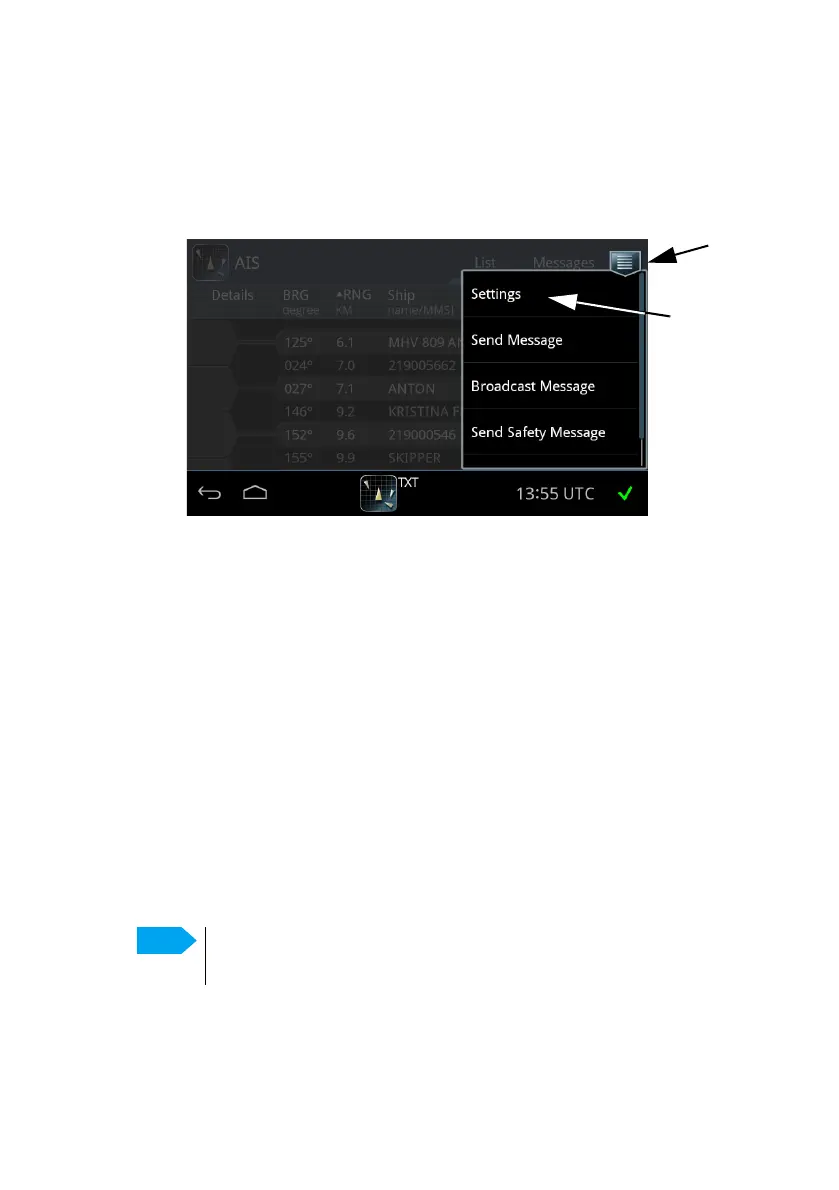
To access the settings of the SAILOR 6282 AIS Transponder tap the menu icon
and Settings.
This menu has the following items:
• Voyage
• Dynamic Data (read only)
• Status (read only)
• Static Data (read only)
• Location device alert handling
• Inland Waterways
• Long Range
• Test Message
• Channel Management
• Internal GNSS (read only)
• Silent Mode
Figure 12: Accessing Settings
Only touch-screen keys that are required by the AIS standard
1371-4 table 44 are supported. Other keys are ignored.














 To Next Page