To work with messages
98-135323-H Chapter 2: Operation 35
SART) are updated continuously, the newest one is stored and can be displayed.
The oldest messages are overwritten.
There are two ways of sending a message:
• Sending a message to a dedicated address (MMSI number)
• Broadcasting a message to all listeners.
Sending and broadcasting messages
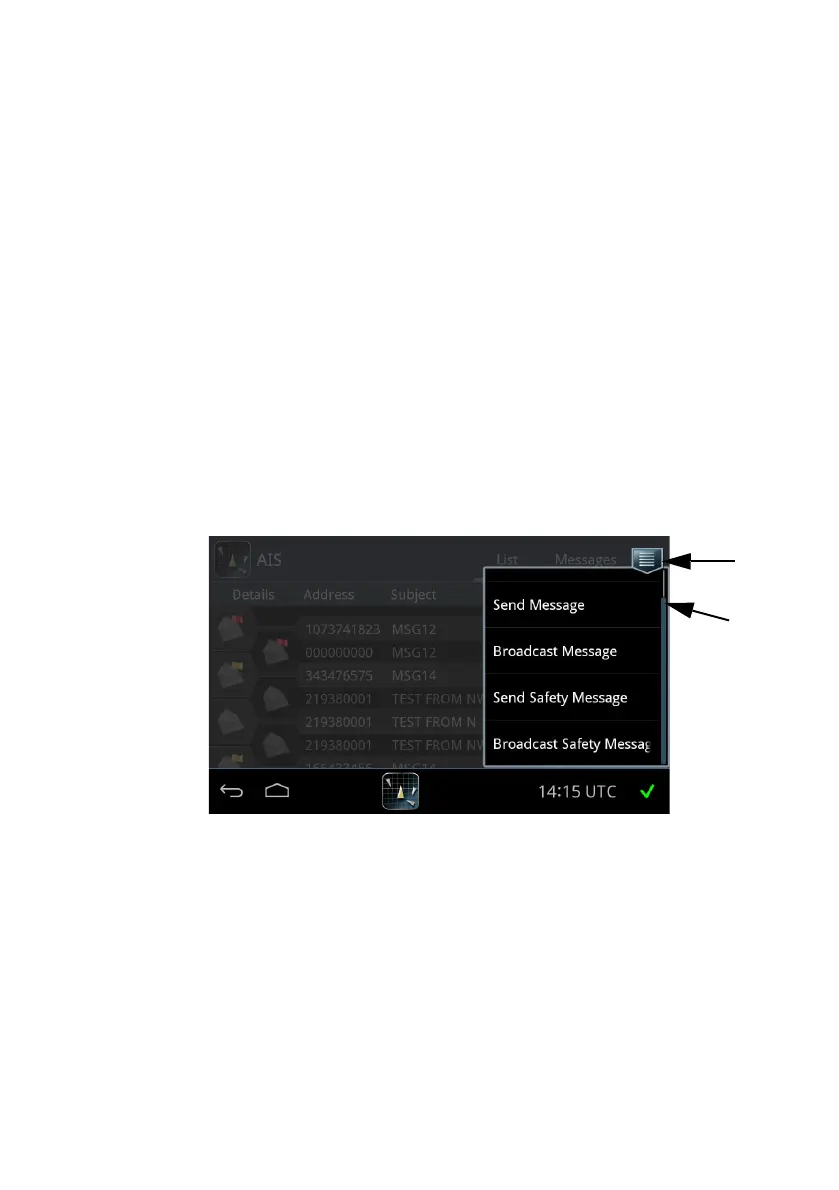
To send or broadcast a message or safety message, do as follows:
1. Tap the icon for Messages.
2. Select which type of message you want to send. A message can be addressed
to a specific MMSI number (Send.....) or to all listeners (Broadcast.....). The
content of a message can be ordinary text or a safety message.
Unread messages are indicated as a closed envelope icon. Unread safety
messages pop up on the screen on arrival.
Figure 28: Message types














 To Next Page