To work with messages
36 Chapter 2: Operation 98-135323-H
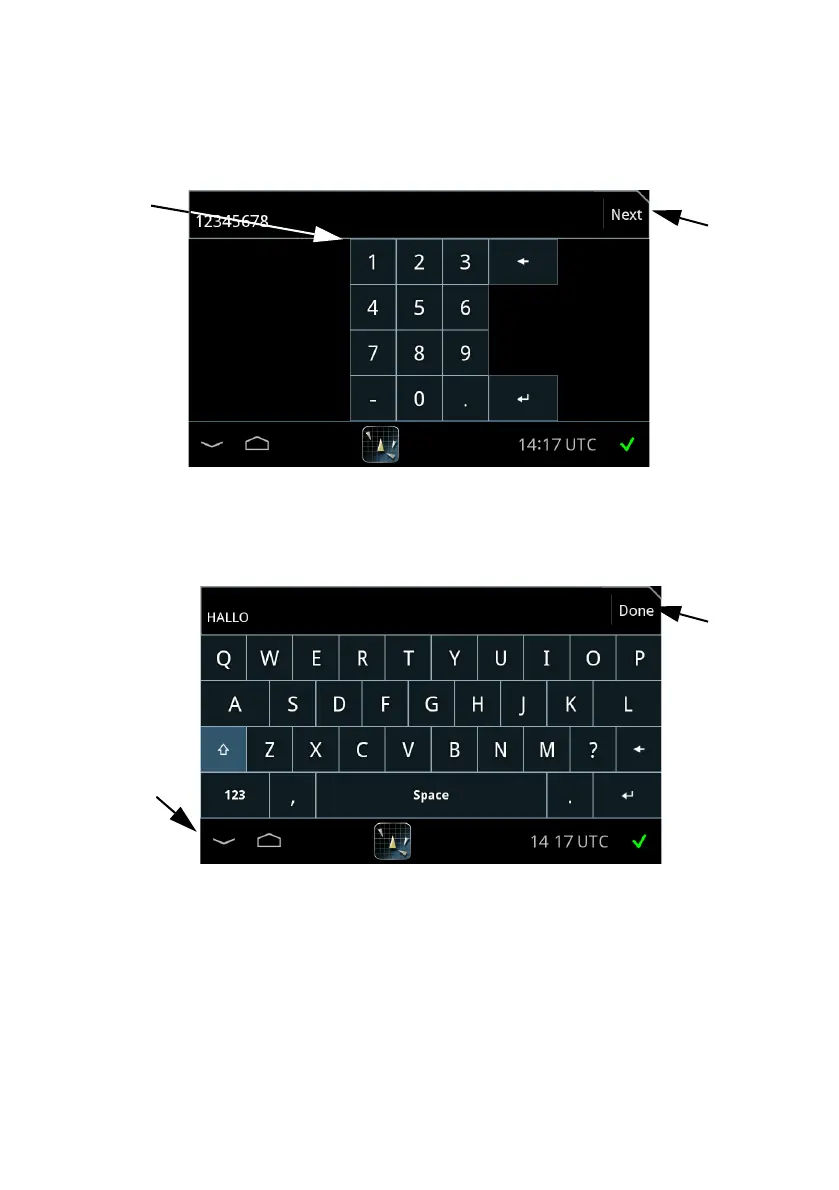
3. Tap the address field and enter the MMSI number of the ship using the on-
screen keypad (not applicable for broadcasting messages).
4. Tap Next and enter the message text using the on-screen keyboard.
5. Tap Done or the symbol in the lower left corner to collapse the keyboard.
Figure 29: Entering MMSI number
Figure 30: Writing a message














 To Next Page