To work with messages
98-135323-H Chapter 2: Operation 37
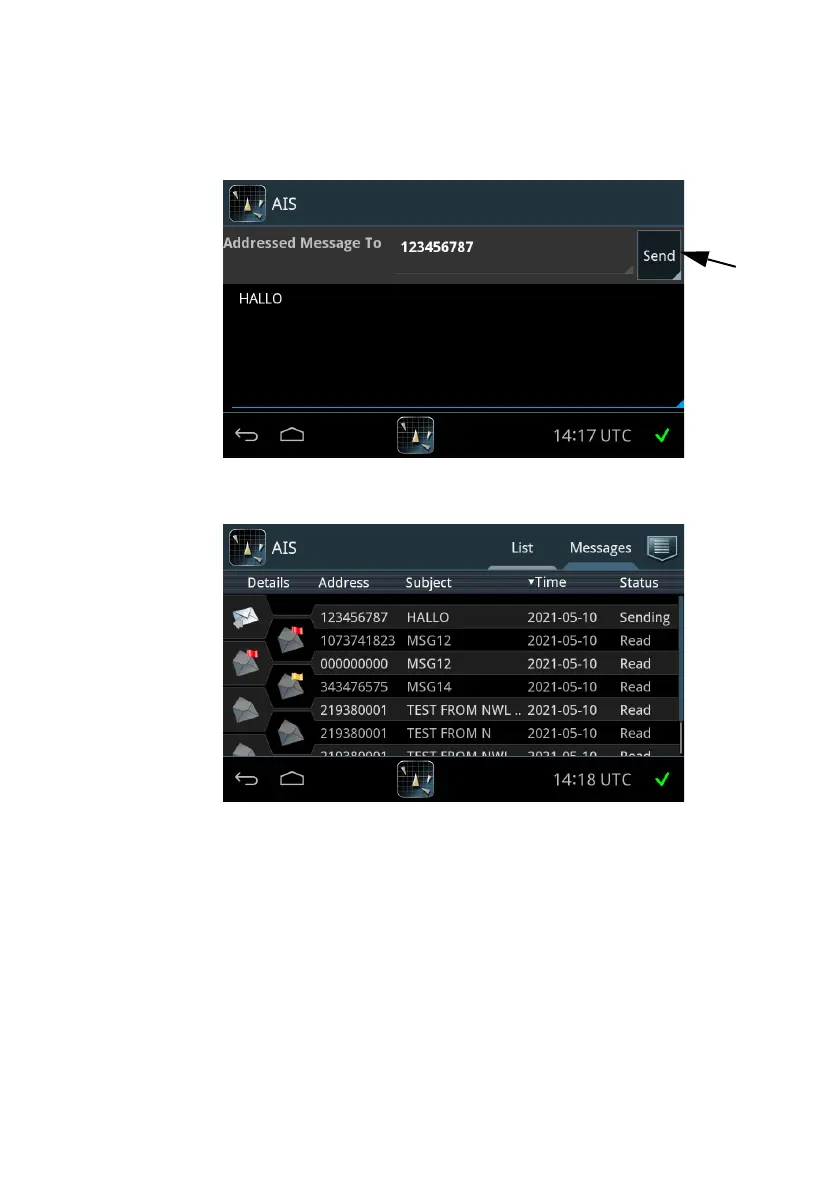
6. Tap Send to send the message. The message will be shown in the list of
messages sent and received.
A message sent by the SAILOR 6282 AIS Transponder can have one of the
following states:
• Sending – The message is under transmission.
• Sent – The message has been sent completely.
• Delivered – The message is confirmed delivered to the receiving AIS but not
necessarily read.
• Not sent - The message has not been sent.
Figure 31: Sending a message
Figure 32: List of messages














 To Next Page