To work with messages
38 Chapter 2: Operation 98-135323-H
Viewing and replying to messages
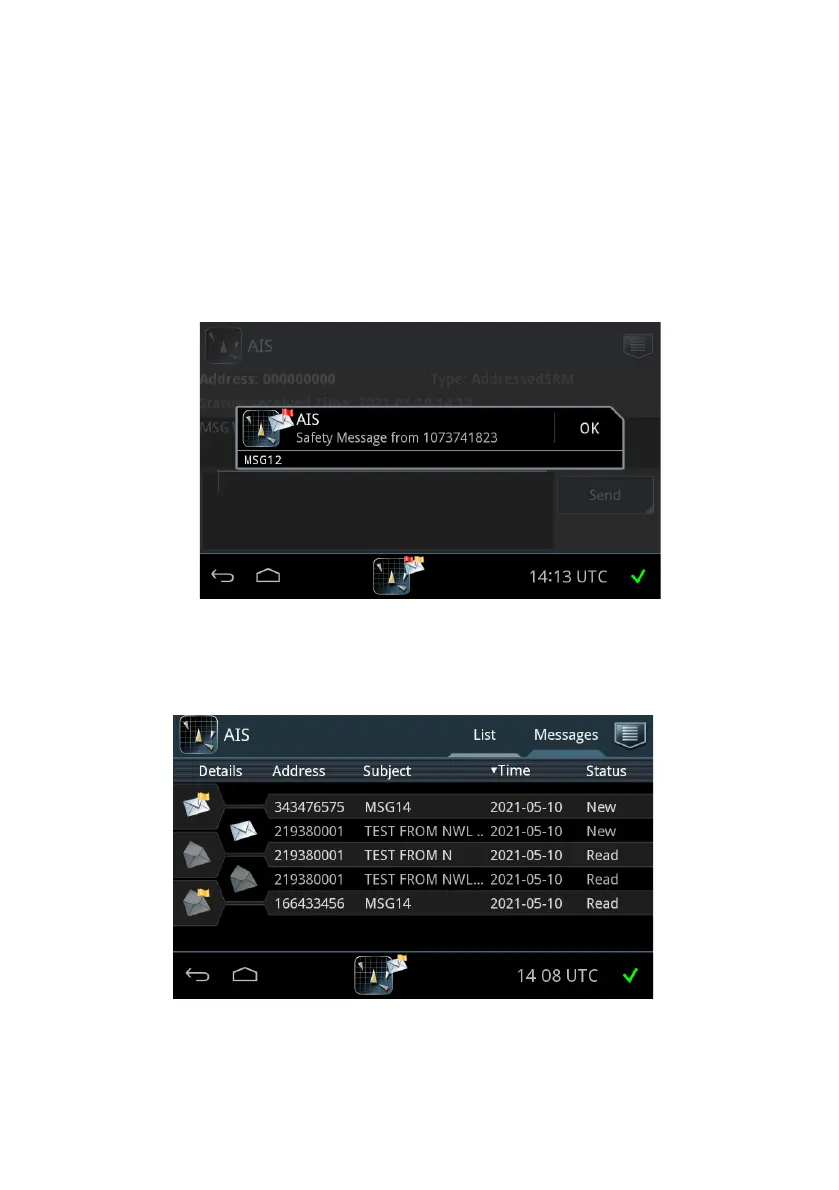
If there are unread messages, icons appear in the bottom bar:
• Envelope in the center of the bottom bar: Unread messages
• Icon in the right side of the bottom bar: Alert
If the unread message is an individual safety-related message, it appears as a
popup in the display. Tap OK to close the message and register it as being read.
1. To view all messages tap the tab Messages in the idle screen.
Figure 33: Individual safety-related message popup (example)
Figure 34: Messages screen














 To Next Page