Maintenance
52 Chapter 3: Service & maintenance 98-135323-H
Only a service engineer should access the Service Interface directly from the
display of the SAILOR 6004 Control Panel. This is useful for software update
directly via the SAILOR 6004 Control Panel.
Do as follows:
1. Tap System > Applications.
2. Tap > Device list.
3. Tap the device.
4. Tap .
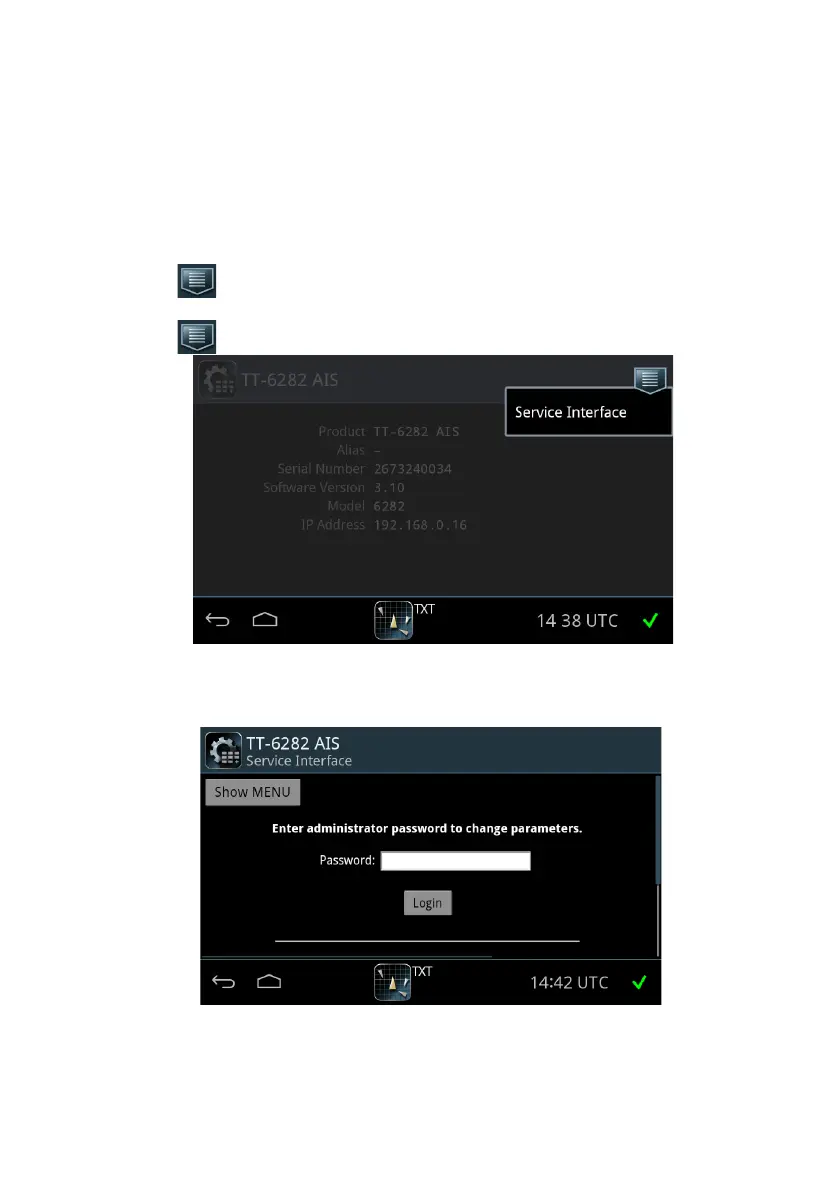
5. Tap Service Interface.
6. Enter the administrator password for your AIS Transponder and tap Login.
Figure 41: Access the Service Interface
Figure 42: Log into the Service Interface














 To Next Page