Maintenance
98-135323-H Chapter 3: Service & maintenance 55
To change a setting, enter the administrator-level password for the SAILOR 6004
Control Panel and tap OK.
Applications
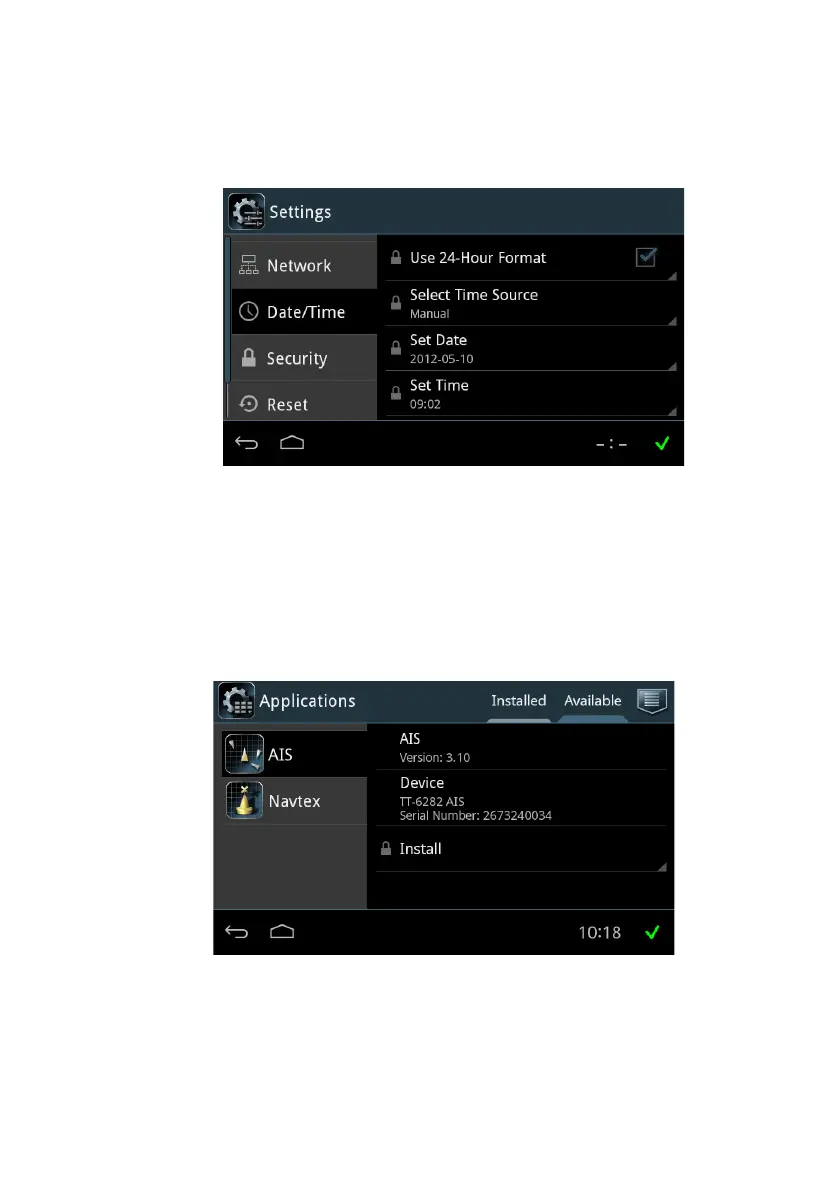
Tap Applications to install or uninstall applications. This section has two tabs:
Available, showing the apps that are available to the SAILOR 6004 Control Panel
on the current network, and Installed, showing which apps are already installed.
To install an app, do as follows:
1. Tap Available to display the apps that are available to this SAILOR 6004
Control Panel.
Figure 45: System - Settings, Display
Figure 46: System – Applications (example)














 To Next Page