Maintenance
54 Chapter 3: Service & maintenance 98-135323-H
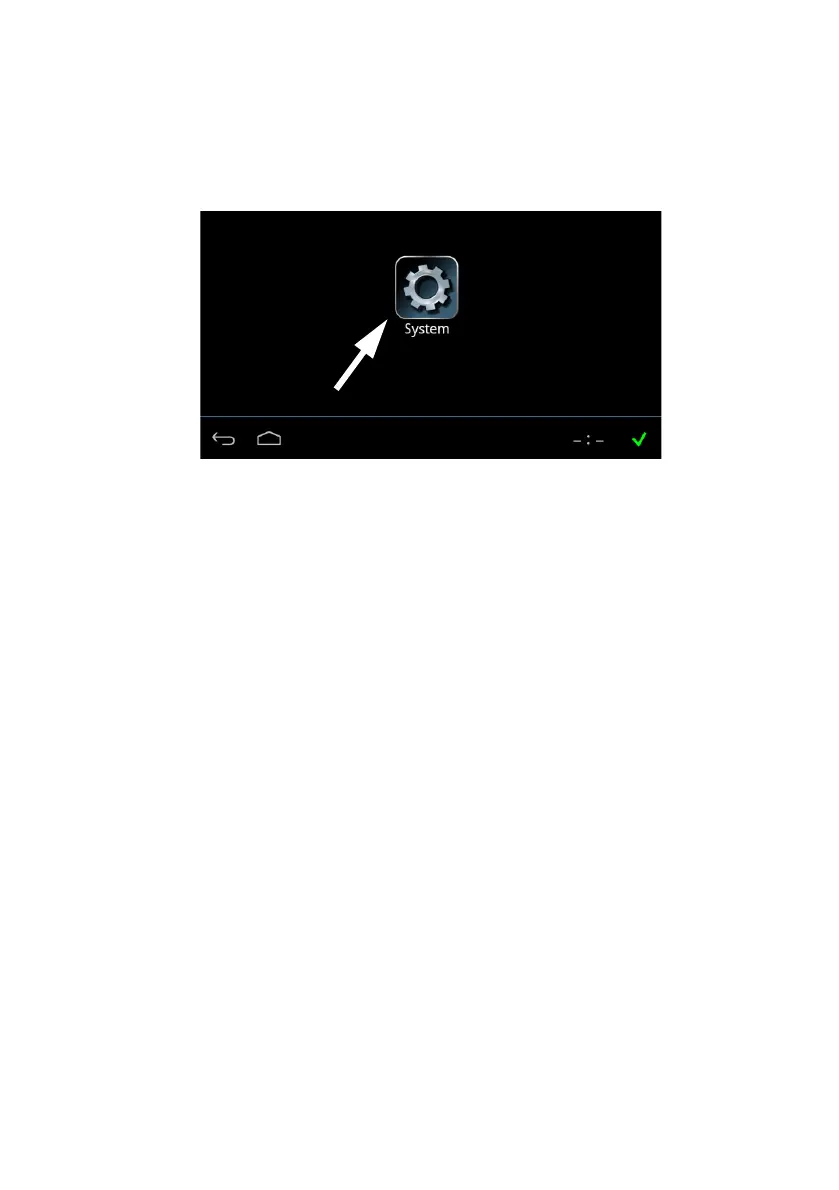
Having switched on the SAILOR 6004 Control Panel, an icon named System is
always displayed, plus the icon(s) of the applications that are installed. Under
System you can set up and manage the SAILOR 6004 Control Panel.
Tap the icon System and the following topics are available:
• Settings
containing Network, Date/Time and Debugging.
• Applications
containing installed and available applications.
• Self Test
containing a self test of Touch, Controls Display, Audio, USB, Light Sensor,
Alarm Output, NMEA and LAN.
• About
containing Legal information, software versions and network information (IP
address and MAC address of the SAILOR 6004 Control Panel).
Settings
Tap Settings to enter the section for network configuration, date and time
setting and debugging. Tap the section you want to work with and explore the
touch screen for each setting.
Figure 44: Screen to enter System (example)




 To Next Page