Connections
A/V Output
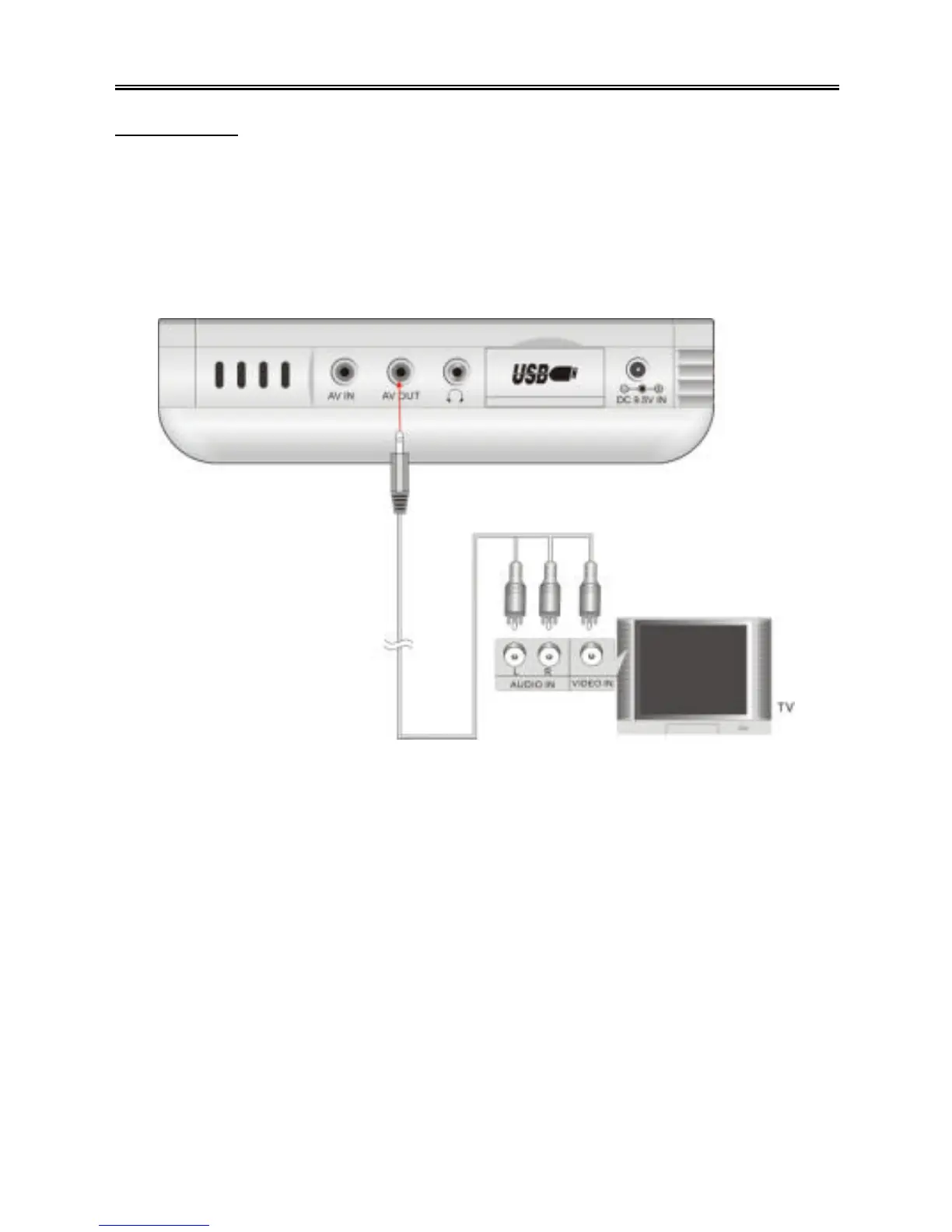
The PMP has an A/V output function. Follow the steps below to connect the PMP to
another device, such as a TV.
Plug the 3.5mm plug into the “AV OUT” jack on the left side of the PMP.
Plug the RCA plugs into the input jacks of the external device, such as a TV. Be sure
to match up the yellow, red and white plugs with the corresponding jacks. See the
diagram below :



 To Next Page