Connections
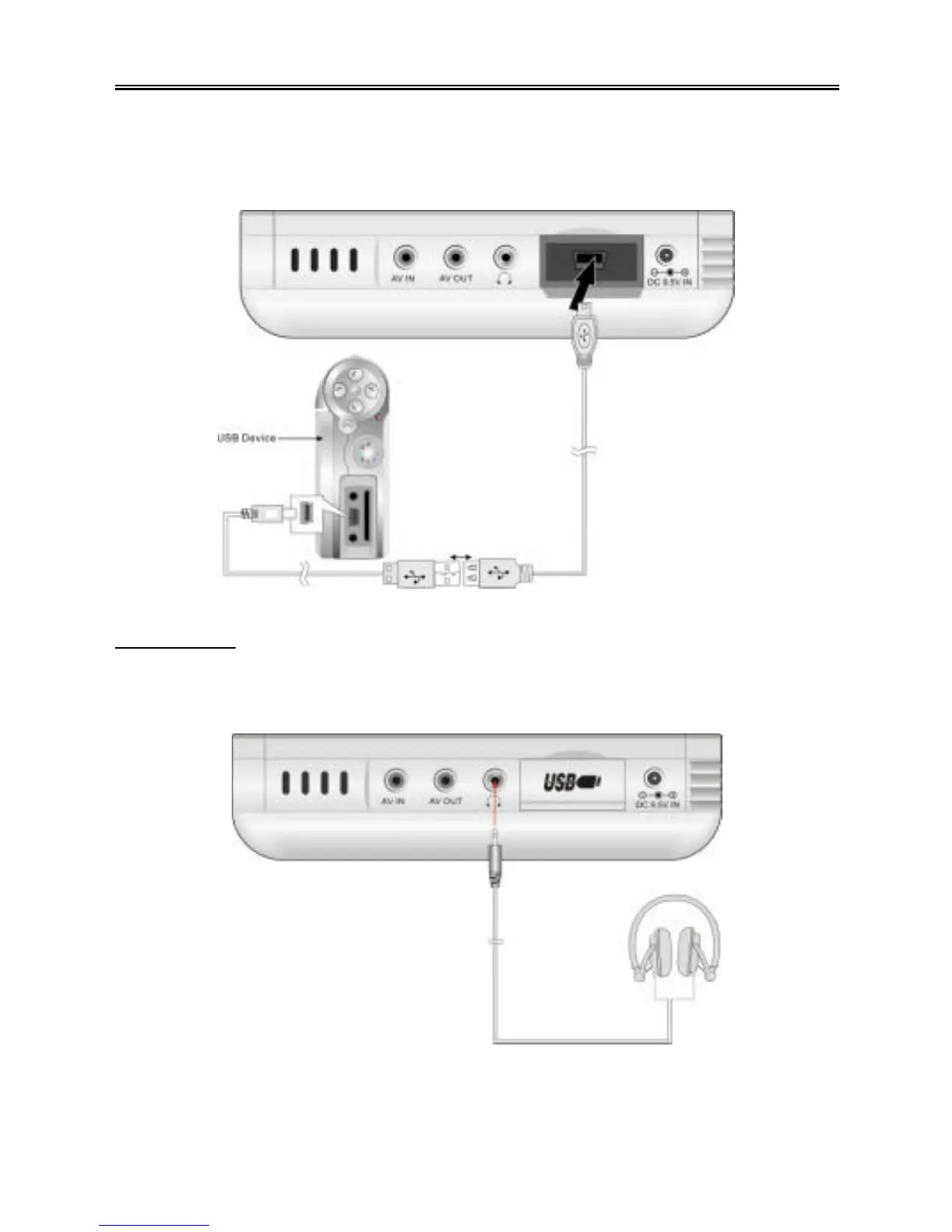
If the external USB device does not have a built-in USB port, such as a digital camera,
connect the device to the host cable using its supplied USB cable. See the diagram
below:
Earphones
Turn the volume down before you connect the earphones to the earphone jack of the
PMP. See the diagram below:
The speakers will automatically be muted w hen the earphones are connected.
NOTE: Excessively loud volume can damage your hearing.



 To Next Page