Main Menu
Power Setup
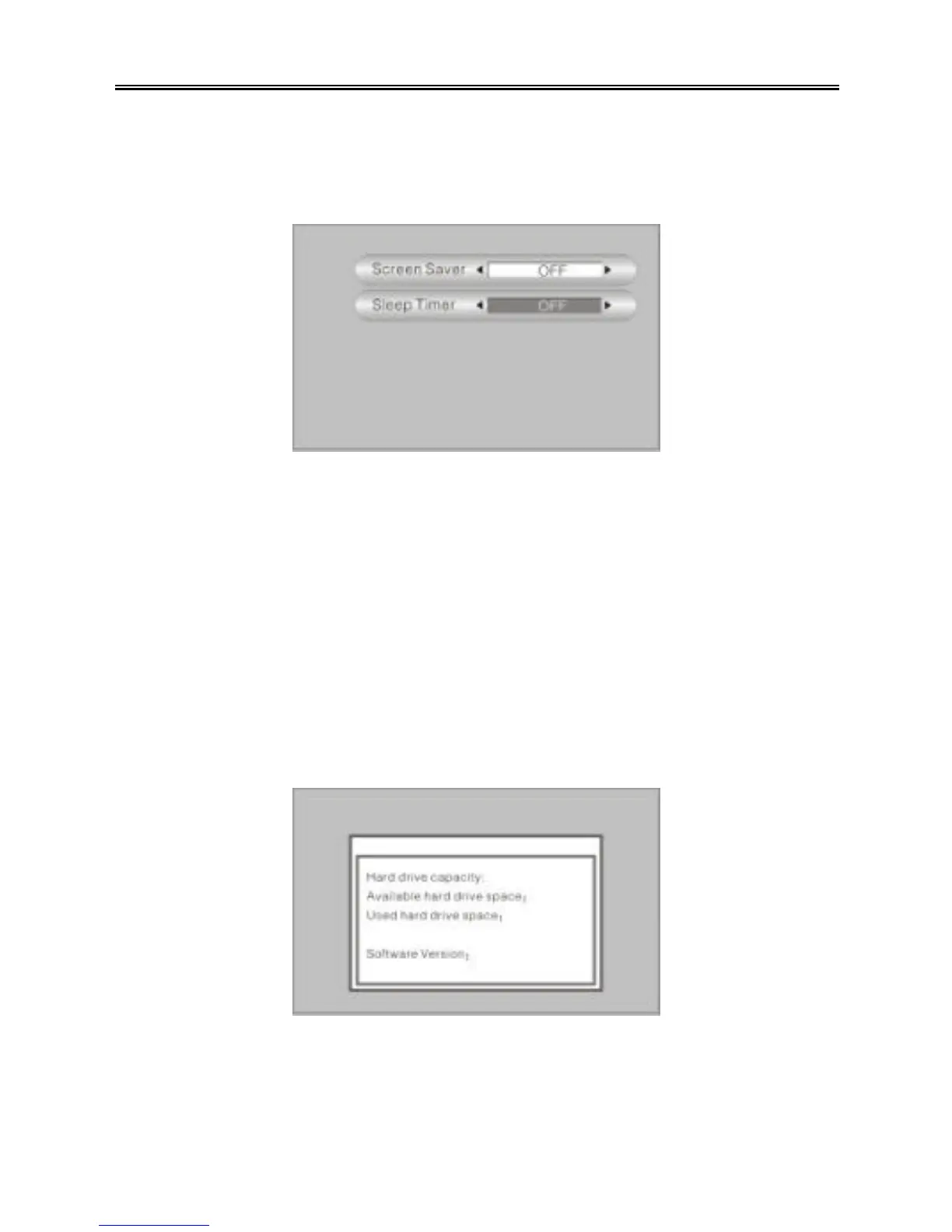
There are two settings in the slideshow settings menu: Screen Saver, Sleep Timer.
See the figure below:
Press the “UP/DOWN” button to select an item. Use the “PREV/NEXT (9 / :)”
buttons to adjust the setting. Press the “MENU/STOP” button to return to the previous
menu.
Ø Screen Saver: Set the time before the screen saver is displayed: OFF, 5min,
10min, 15min, 20min, 25min, 30min.
Ø Sleep Timer: Set the time before the PMP automatically turns off: OFF, 30min,
60min, 90min, 120min, 150min, 180min.
Player Information
There are four items in the player information window: Hard drive capacity, Available
hard drive space, Used hard drive space, Software Version. See the figure below:
Press the “MENU/STOP” button to return to the previous menu.



 To Next Page