Main Menu
Ø Language: Only English is available on this PMP.
Ø Video Format: Select the TV system: NTSC, PAL. NTSC is the system used in
the United States. Set the PMP when you connect it to a PAL TV. When you
select PAL the LCD of the PMP will turn off.
Ø TV Aspect Ratio: Select the aspect ratio: 4:3 Pan&Scan, 4:3 Letter Box, 16:9
Wide.
Ø Brightness: Set the brightness of the LCD: 0 – 24.
Ø Contrast: Set the contrast of the LCD: 0 – 24.
Ø Color: Set the color of the LCD: 0 – 24.
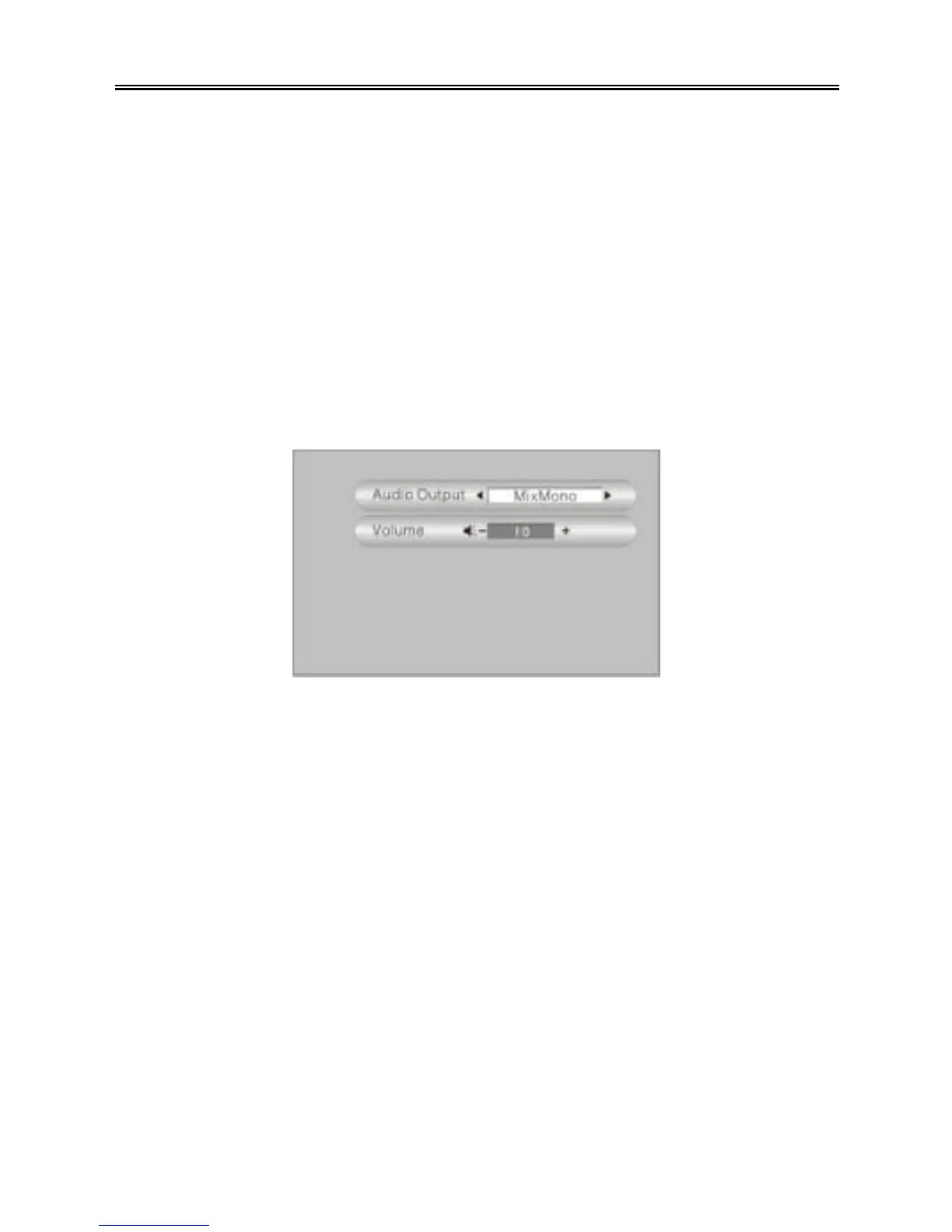
Audio setting
There are two settings in the audio settings menu: Audio Output, Volume. See the
figure below:
Press the “UP/DOWN” button to select an item. Use the “PREV/NEXT (9 / :)”
buttons to adjust the setting. Press the “MENU/STOP” button to return to the previous
menu.
Ø Audio Output: Set the audio output of the PMP: Stereo, L-Mono, R-Mono,
MixMono.
Ø Volume: Set the volume of the PMP: 0 – 31.



 To Next Page