Connections
PC
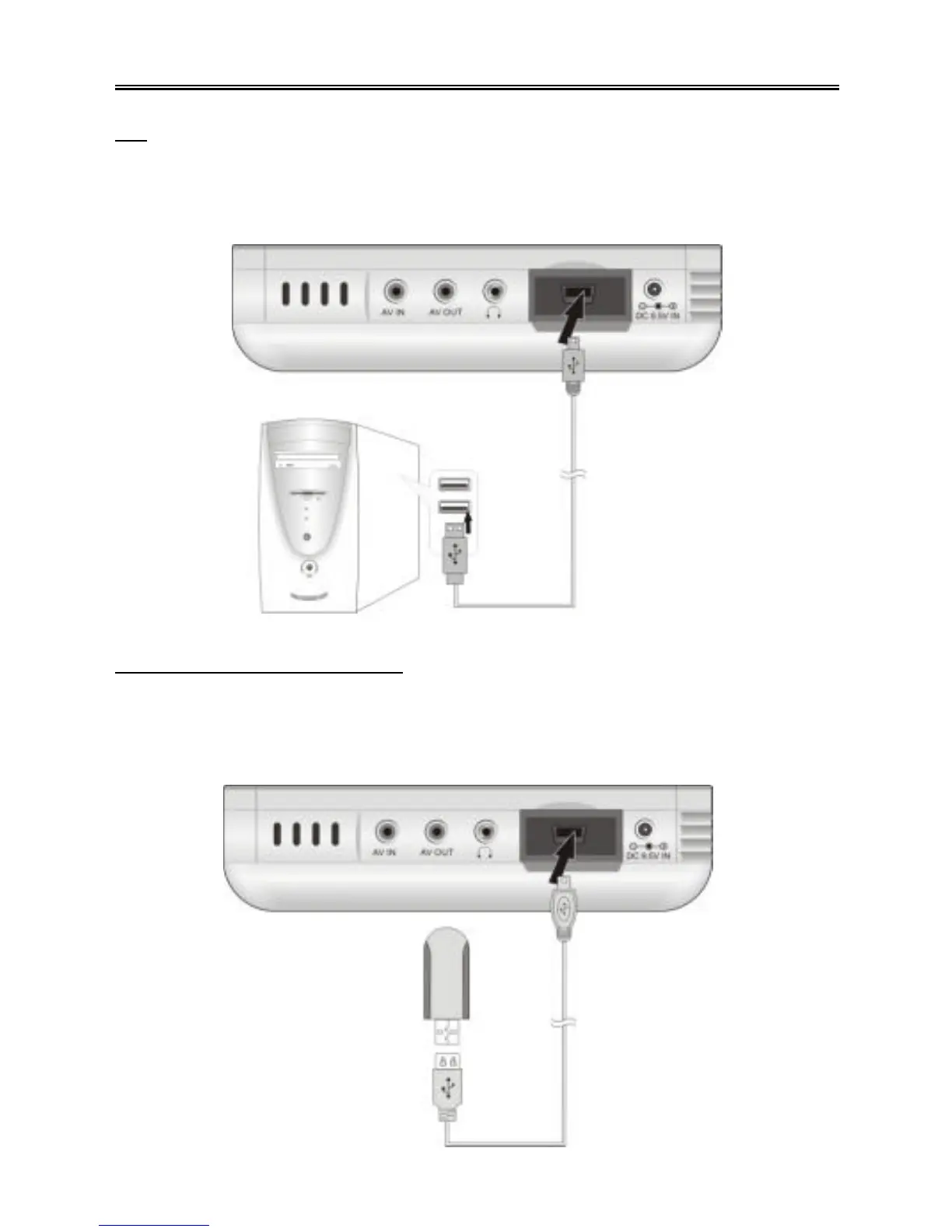
Use the supplied USB cable to connect the PMP to a personal computer.
Plug one end into the USB jack on the left side of the PMP and the other end into the
USB port of the computer. See the diagram below :
Other USB Devices (OTG)
Use the supplied USB host cable to connect the PMP to an external USB device.
Plug one end of the USB host cable into the USB jack on the left side of the PMP and
the other end into the USB device, such as an MP3 player. See the diagram below :



 To Next Page