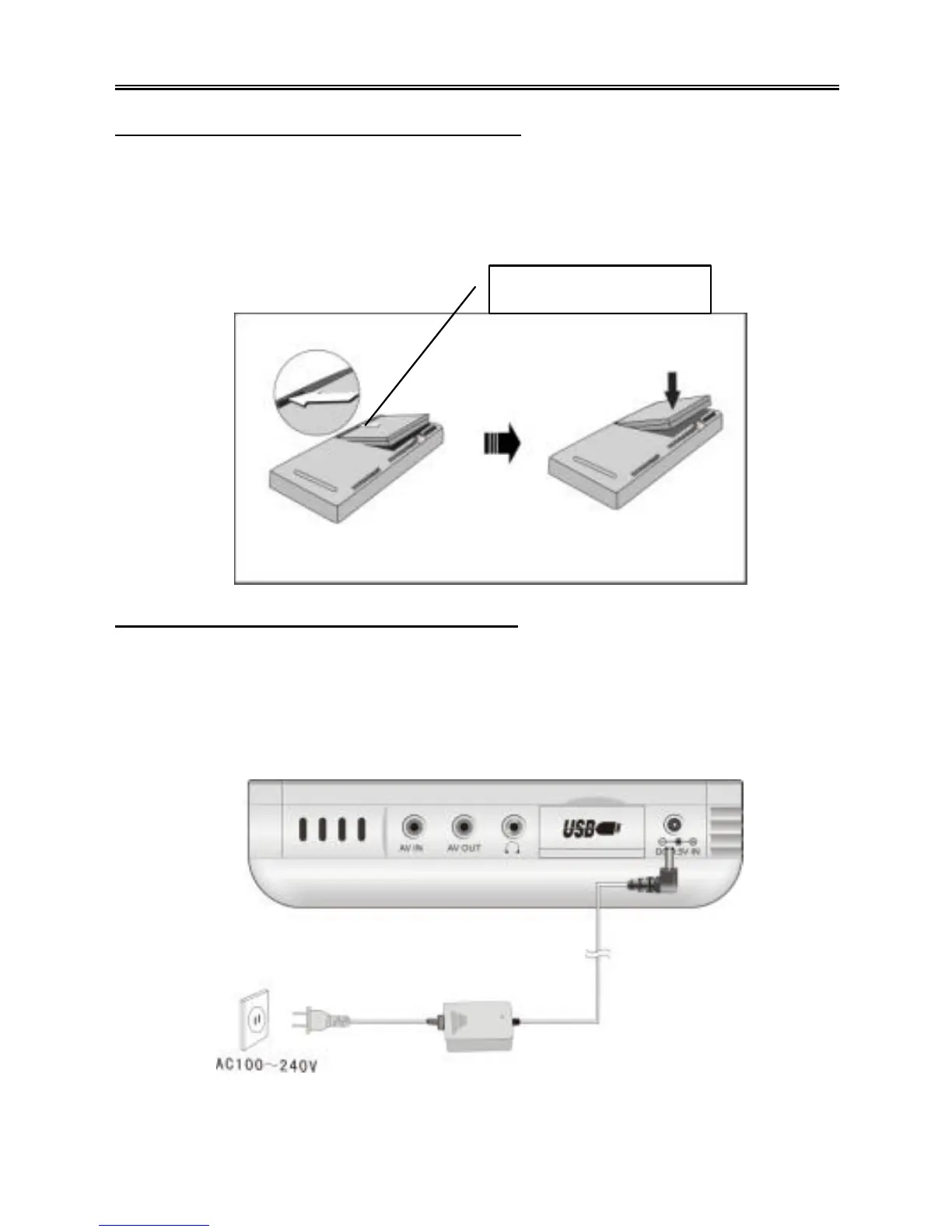
Attaching The Rechargeable Battery
1. Place the player on a flat surface with the bottom facing up.
2. Align the plastic tabs on the rechargeable battery with the slots on the player. Be
sure to place the battery over the contacts. Push the battery downward until it is
goes into the battery slot, and you will hear a slight click. See the diagram below :
Charging The Rechargeable Battery
The battery must be attached to the PMP to charge it.
1. Attach the battery to the PMP as shown above.
2. Plug the supplied power adapter into the power jack marked “DC 9.5V IN” on the
left side of the player.
3. Plug the other end of the power adapter into an AC outlet, as shown below:
It is recommended to charge the battery when the player is in standby mode.
Insert this side first.



 To Next Page