Main Menu
Reset
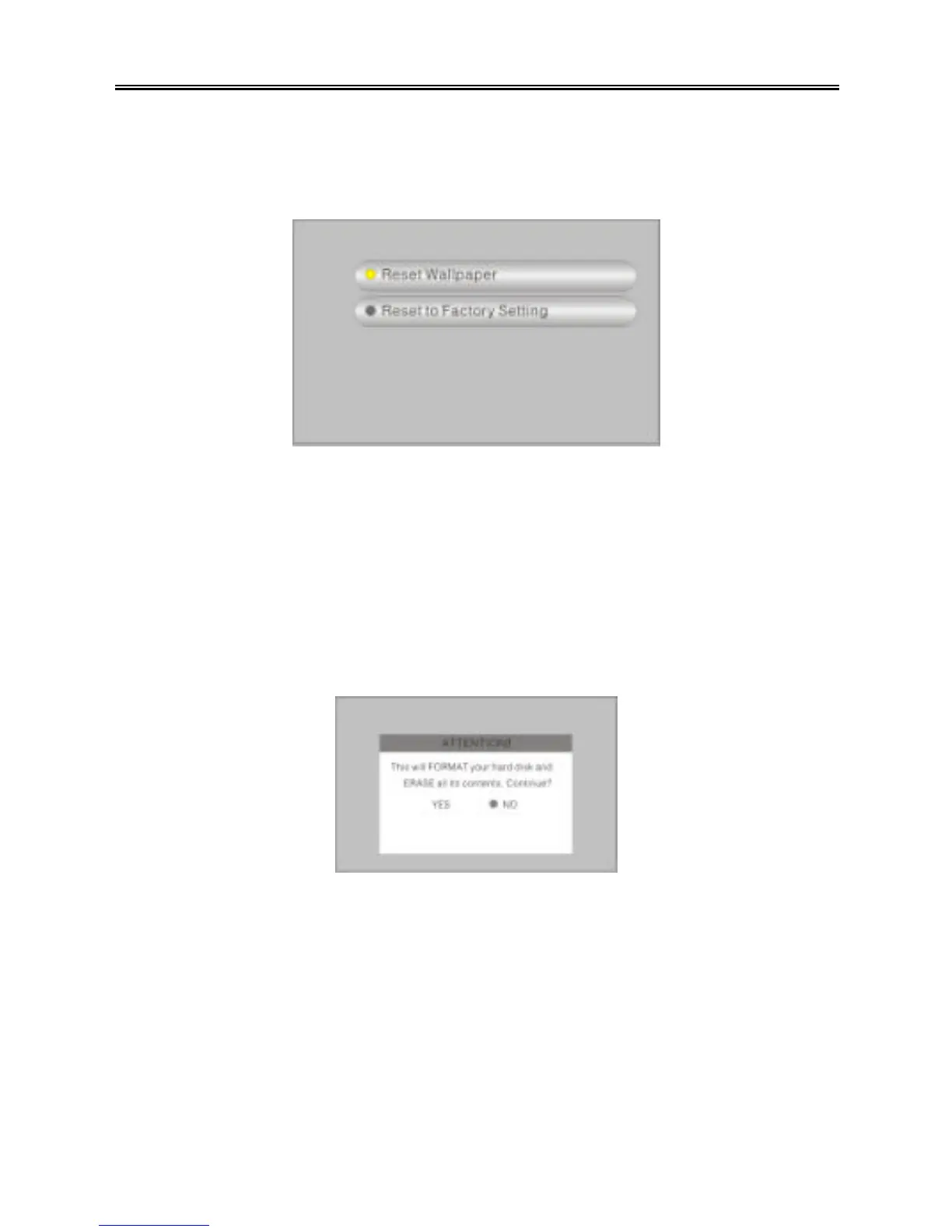
You can reset the wallpaper and the PMP to the factory default settings. See the figure
below:
Press the “UP/DOWN” button to select an item. Press the “ENTER” button to reset the
setting. Press the “MENU/STOP” button to return to the previous menu.
Ø Reset wallpaper: Reset the wallpaper to the default.
Ø Reset to factory setting: Reset all settings to the factory default.
Format HDD
You can format the hard disk drive of the PMP. See the figure below:
Press the “PREV (9)” button to select “YES”, and press the “ENTER” button to format
the HDD. Press the “MENU/STOP” button to return to the previous menu.
NOTE: If you select “YES”, it will format the HDD and all the data on the PMP will be
erased. Regularly formatting the HDD will ensure that the PMP performs at maximum
performance.



 To Next Page