Main Menu
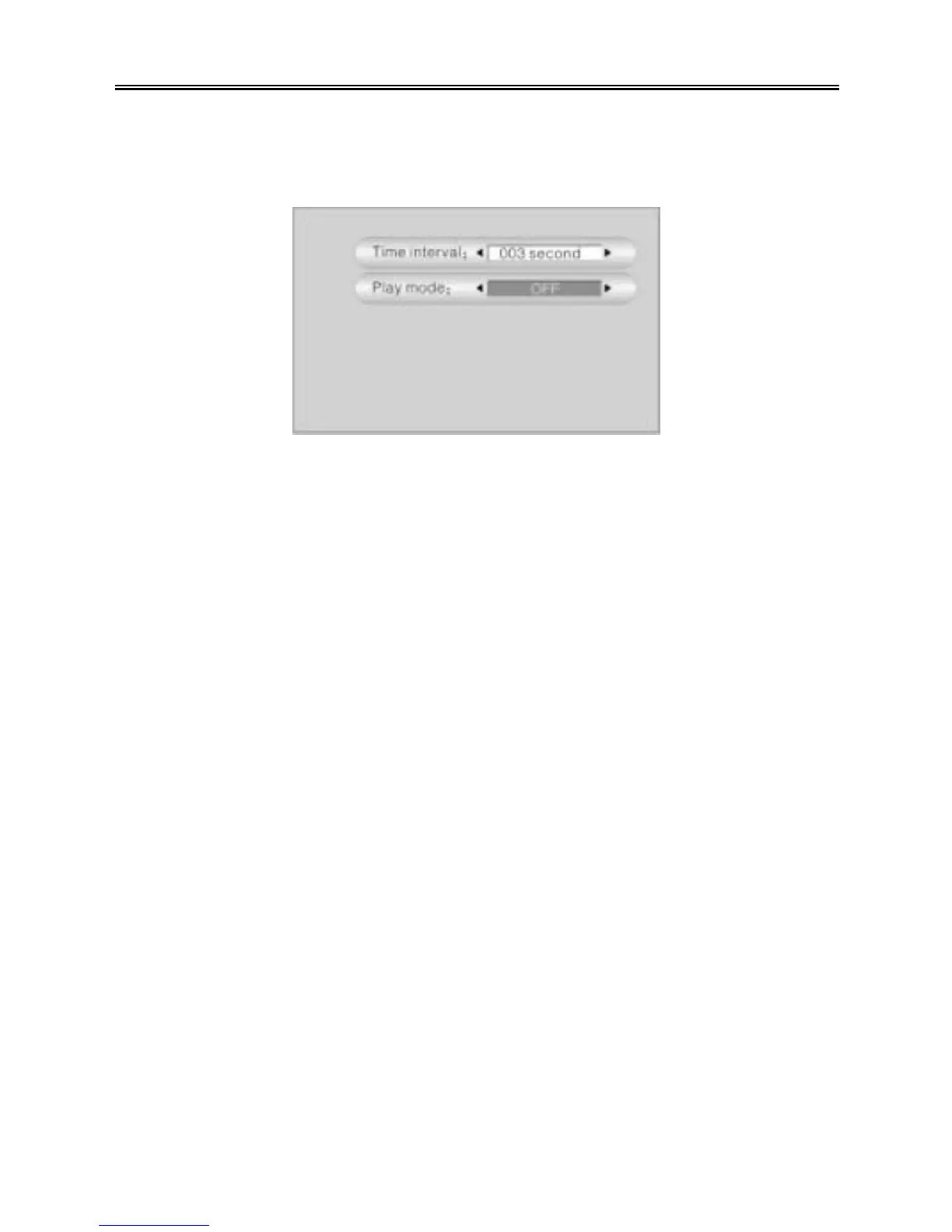
Slideshow setting
There are two settings in the slideshow settings menu: Interval time, Play mode. See
the figure below:
Press the “UP/DOWN” button to select an item. Use the “PREV/NEXT (9 / :)”
buttons to adjust the setting. Press the “MENU/STOP” button to return to the previous
menu.
Ø Interval time: Set the time that an image is displayed on screen during the
picture slideshow: 3 – 120 seconds.
Ø Play mode: Set the play mode of the slideshow: OFF, Play All-One Time,
Repeat All. When you select “Repeat All”, another setting will appear: Slide with
music.
Ø Slide with music: Press the “ENTER” button to display an audio file/folder list.
Select an MP3 file (WMA is not supported with the slideshow function) that you
want the PMP to play during the slideshow.
NOTE: If you set the play mode to “Play All-One Time” or “Repeat All”, the PMP will do
a slideshow when you select an image file to display.



 To Next Page