Main Menu
files to, and press the “ENTER” button to copy the video files. “/HDD” is the root
directory of the PMP. Press the “MENU/STOP” button to return to the previous
menu.
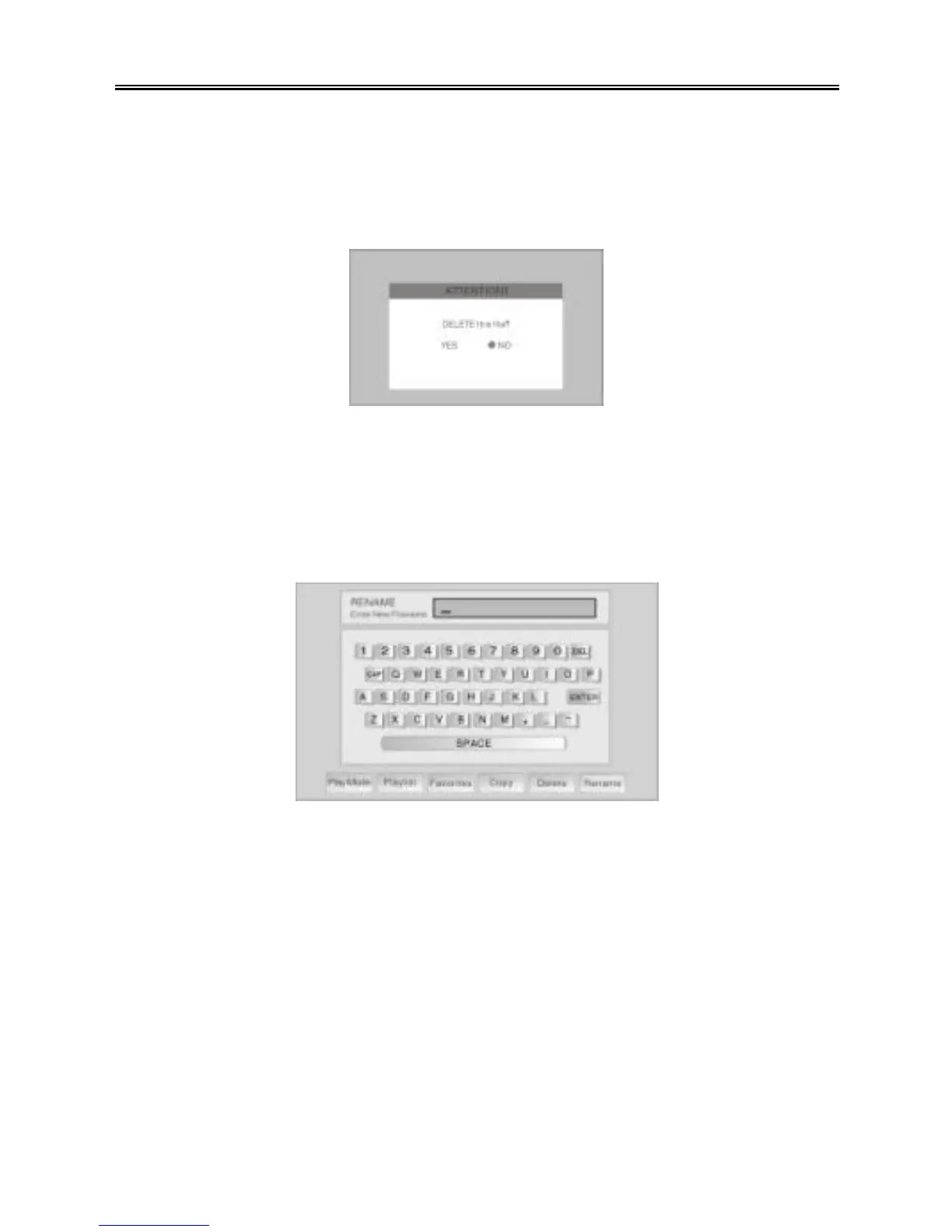
Ø Delete: Use the “UP/DOWN” buttons to select a file that you want to delete in
the video file/folder list, and press the “SETUP” button.
Press the “UP/DOWN” button to select “Delete”, and press the “ENTER” button.
Press the “PREV (9)” button to select “YES”, and press the “ENTER” button to
delete the file.
Ø Rename: Use the “UP/DOWN” buttons to select a video file/folder that you want
to rename in the video file/folder list, and press the “SETUP” button.
Use the “UP/DOWN” button to select “Rename”, and press the “ENTER” button.
Use the “UP/DOWN/PREV/NEXT (9 / :)” buttons to select letters on the
keyboard, and press the “ENTER” button to input the letter. When you are
finished entering the new name, select “ENTER” on the keyboard, and press the
“ENTER” button to rename the file. Press the “MENU/STOP” button to return to
the previous menu.



 To Next Page