)
Hardware Setup
CAUTION: Only trained users should install and configure the system.
Ethernet Cable (Optional)
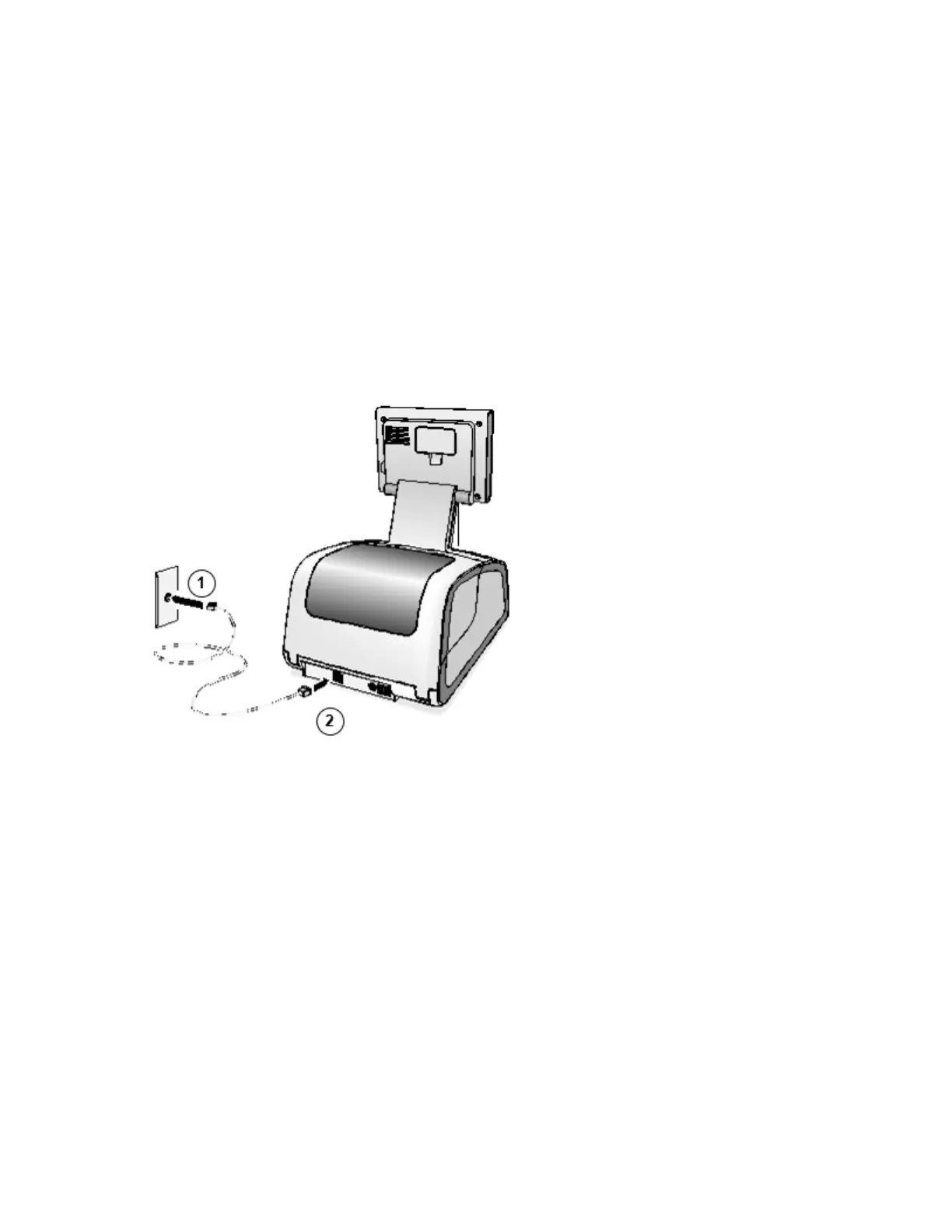
1. Connect the Ethernet cable to a hub or outlet that is connected to the network.
2. Connect the other end of the Ethernet cable to the SLS.
NOTE: For information about configuring SLS Ethernet network settings, refer to the SLS User’s
Manual v1.3.0.
CAUTION: The SLS supports only one network connection at a time, either Ethernet or Wi-Fi. Do
not connect both an Ethernet cable and the Wi-Fi adapter at the same time.



 To Next Page