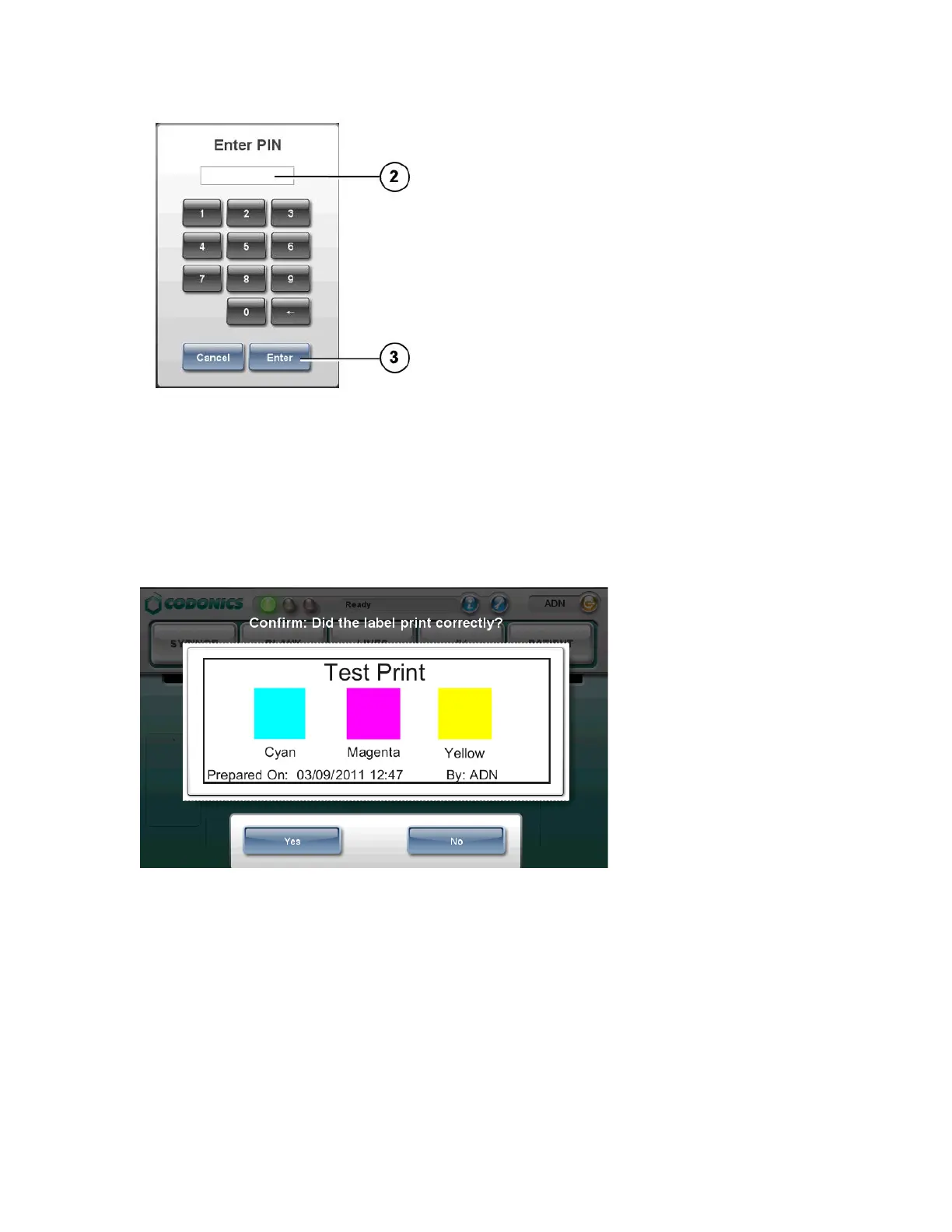
2. If the system is configured to require a PIN, enter your PIN.
NOTE: The PIN can be up to ten digits long.
3. Press the Enter button.
If a test label is printed, you are prompted to confirm that the test label printed
correctly.
4. Inspect the test label.
5. If the test label printed correctly, press the Yes button. The system is ready for
use.
If the test label did not print correctly, press the No button. Follow the on-screen
instructions.
Touch Screen User Interface



 To Next Page