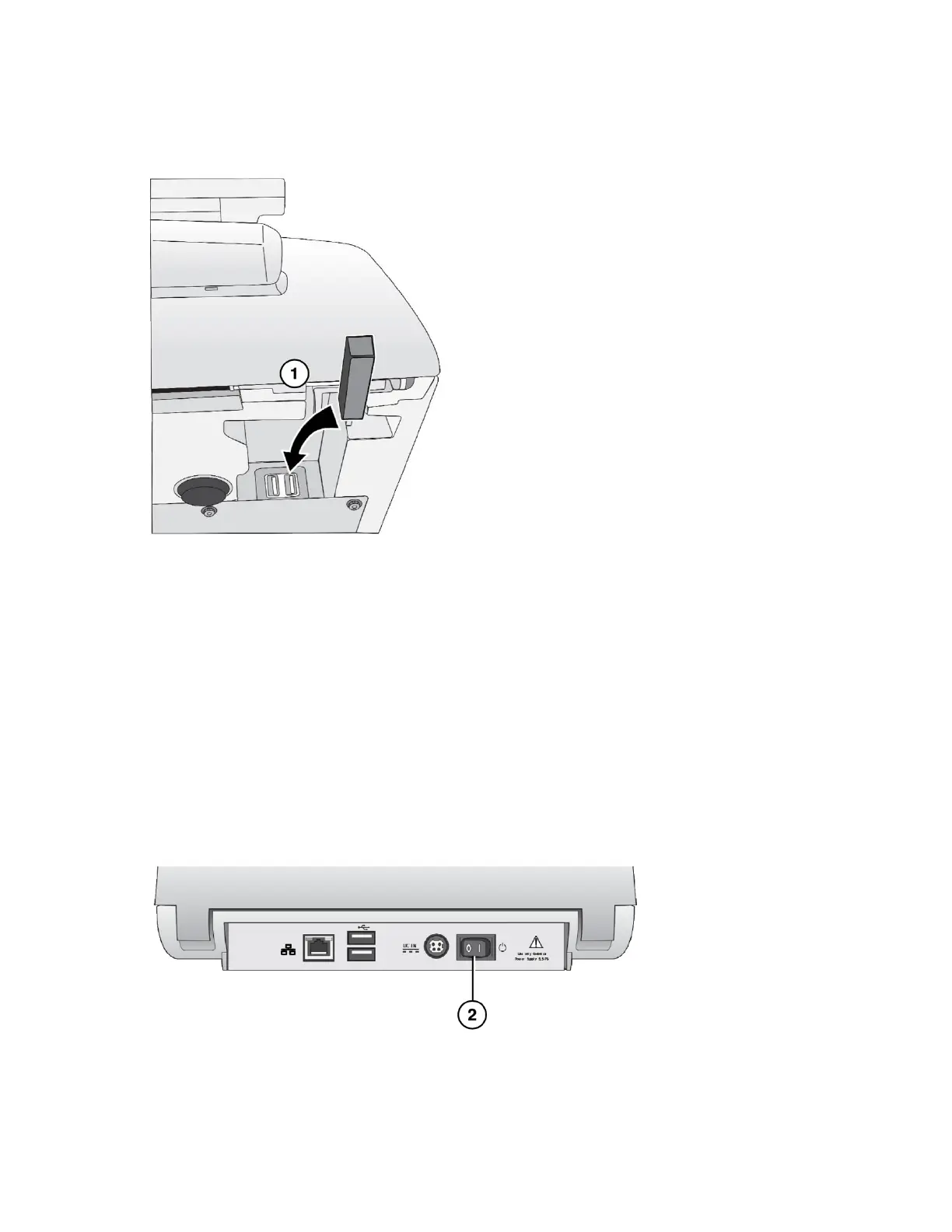
Wi-Fi Adapter (Optional)
1. Insert the Wi-Fi adapter into the USB port at the bottom front right corner of the SLS.
NOTE: For information about configuring SLS Wi-Fi network settings, refer to the SLS User’s
Manual v1.3.0.
CAUTION: The SLS supports only one network connection at a time, either Ethernet or Wi-Fi. Do
not connect both an Ethernet cable and the Wi-Fi adapter at the same time.
Power, SmartDrive
1. Place the SLS on a solid level surface.



 To Next Page