Clears system errors. This setting should only be used by system administrators after the
errors are carefully reviewed.
Manage Features
Allows you to add SLS features.
Adjusts the touch screen brightness.
Adjusts the audio volume.
Clearing a Label Jam
1. Remove your gloves.
2. Open the front and rear covers.
3. Identify the location of the jammed media and use the appropriate procedure below.
Clearing a Label Jam in the Front Media Guide
1. Gently remove the label media from under the front guide by pulling up the label media
near the ink carriage.
CAUTION: Avoid peeling up a label in the media path. You might have to pull the media forward
through the cutter to avoid peeling a label. If a label is peeled up in the media path, do not press
the adhesive side of the label against the sheet metal guides.
2. Use scissors to cut the liner between two labels by the ink carriage to allow you to
remove the jammed label media.
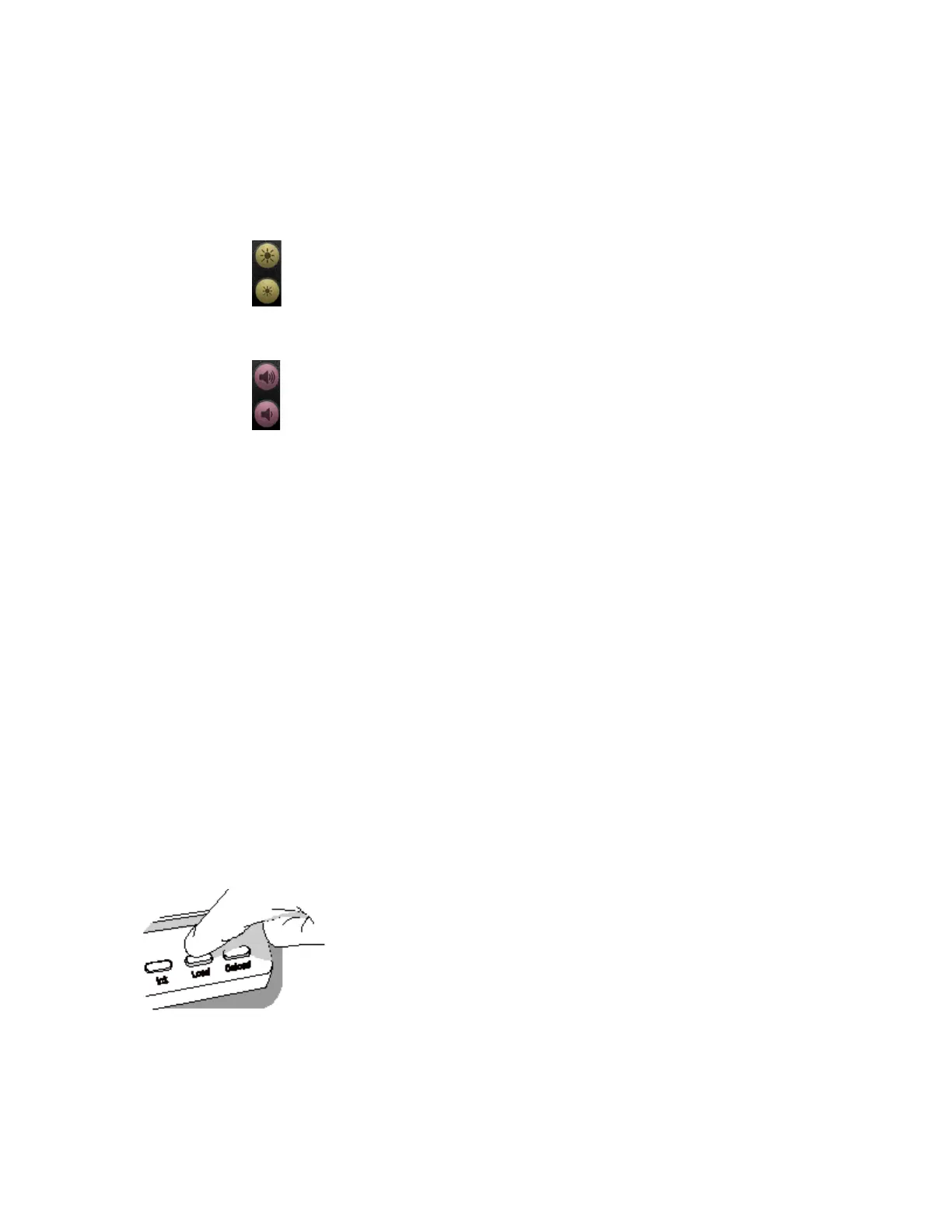
If required, press the Load button to advance the label media.
NOTE: Scissors are recommended for cutting the liner so that the label media will have a straight
edge. The straight edge will make loading the label media easier.



 To Next Page