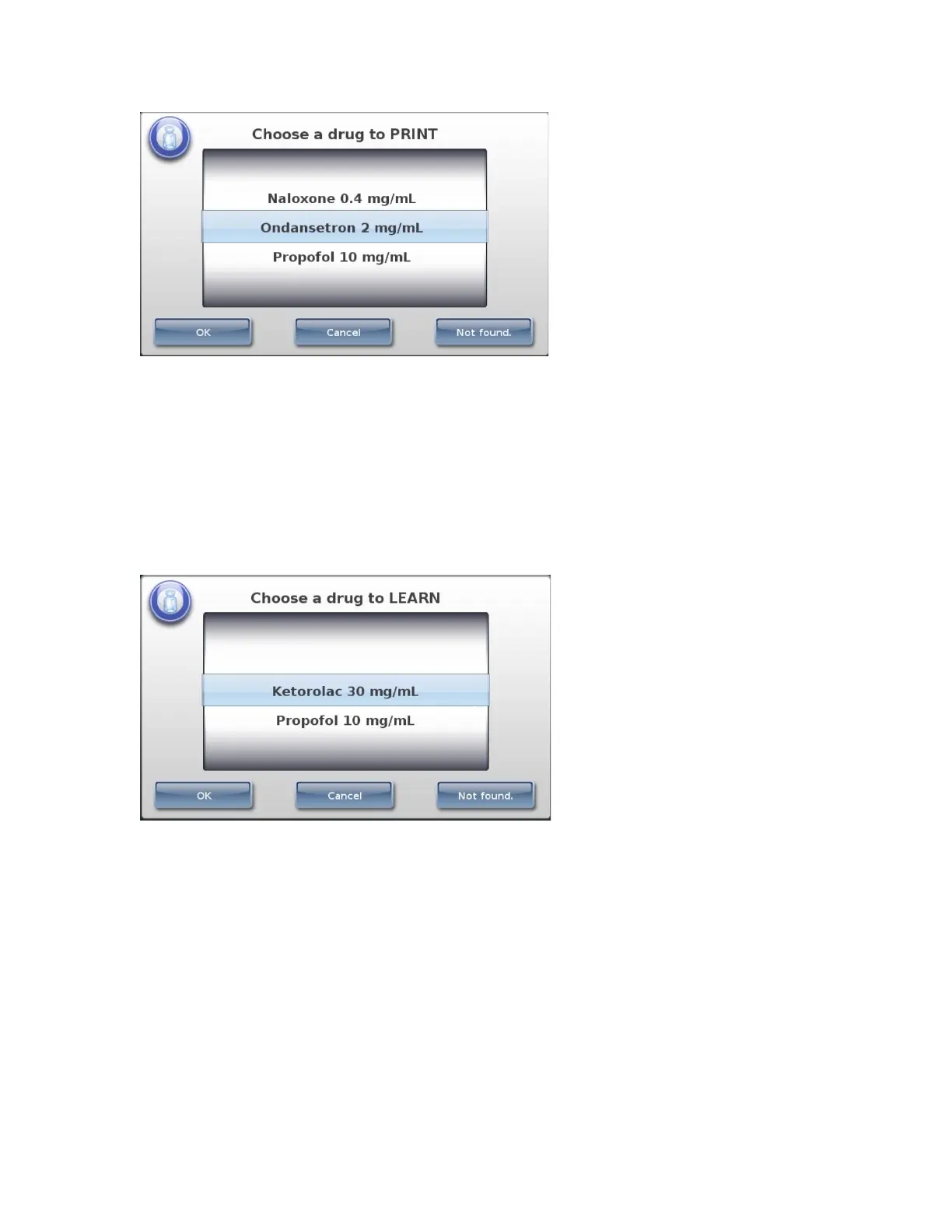
• If the correct drug is displayed, select it and then press the OK button.
• If the correct drug is not displayed, press the Not Found button. The procedure ends.
Contact your SLS system administrator or Codonics Technical Support (+1.440.243.1198).
• To cancel the operation, press the Cancel button.
Mapped Master IDs (USA Only)
After scanning the drug container barcode, if the Container ID that was scanned can be mapped to
more than one Master ID, those drugs are displayed.
• If the correct drug is displayed, select it and then press the OK button.
• If the correct drug is not found, press the Not Found button. The procedure ends. Contact
your SLS system administrator or Codonics Technical Support (+1.440.243.1198).
• To cancel the operation, press the Cancel button.
Drug Verification
If the drug has not been previously verified to ensure that the drug container information is the
same as the drug information in the formulary, a verification prompt displays.
NOTE: The verification prompt only occurs once for each drug, when its container barcode is
scanned for the first time.



 To Next Page