Making a User Badge
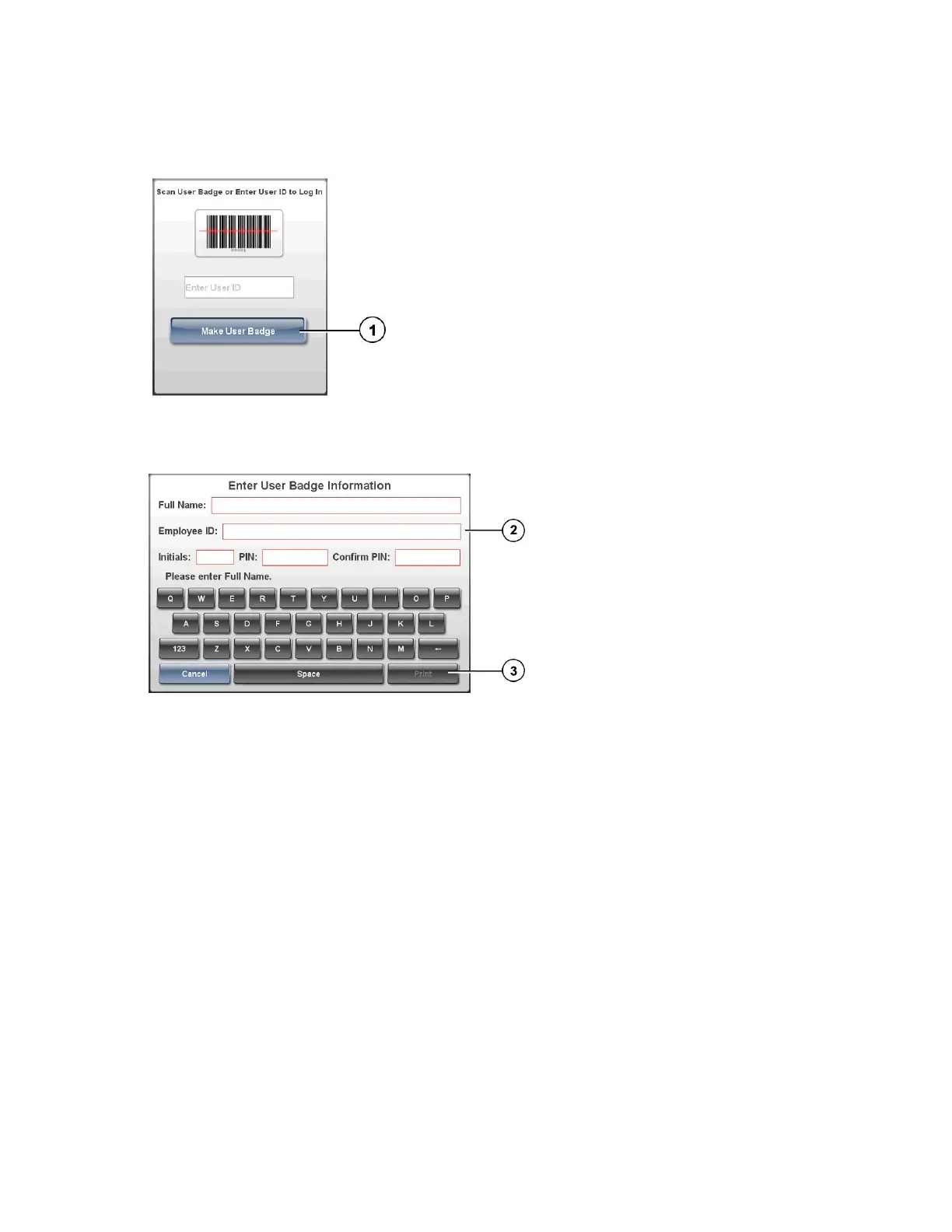
1. At the Login prompt, press the Make User Badge button.
2. Enter your user information.
NOTE: The Employee ID must be unique among the SLS users.
NOTE: The PIN can be up to ten digits long. If the system is not configured to
require a PIN, then you will not be prompted to enter a PIN.
3. Press the Print button.
Logging In



 To Next Page