Fax: +1.440.243.1334
Toll Free: 800.444.1198 (USA only)
Web Site: www.codonics.com
Installing the Ink Cartridge
1. Open the front cover.
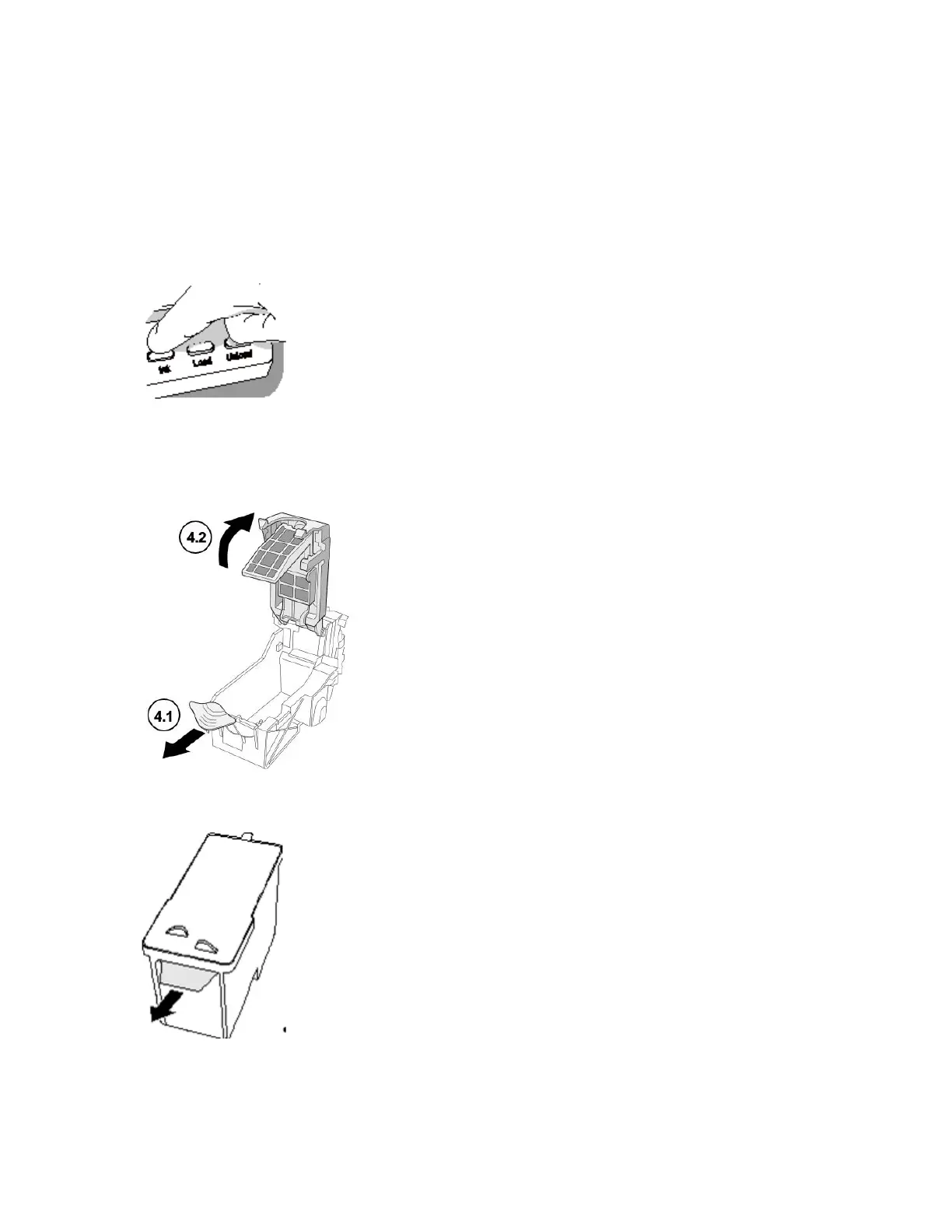
2. Press the Ink button.
3. Wait for the ink cartridge carriage to finish moving.
4. Open the ink cartridge carriage.
5. Remove the tape that covers the ink cartridge print head.



 To Next Page