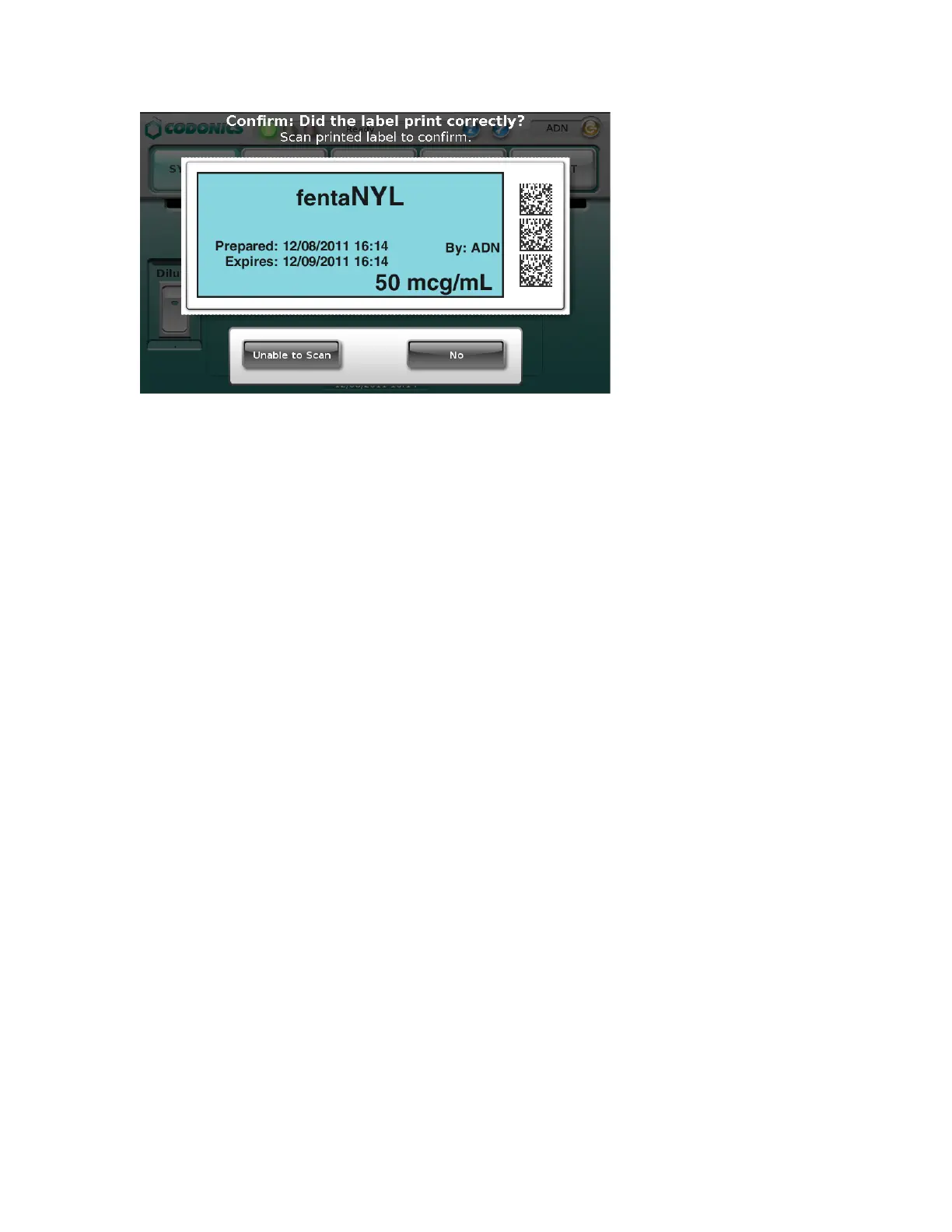
NOTE: The label confirmation prompt is displayed for safety reasons to ensure that the label has
been printed correctly.
8. After reviewing the label and the screen display, perform one of the following steps:
• Scan the barcode on the printed label. If the barcode is correct, the system indicates this
and the procedure is complete.
• If you can see that the label did not print correctly, press the No button. Follow the on-
screen instructions.
• If you are not able to scan the barcode, press the Unable to Scan button. Follow the on-
screen instructions.
WARNING: To avoid mislabeling syringes, make sure that you immediately affix the correct label
to the appropriate syringe.
WARNING: Incorrect syringe labels should be destroyed or disposed of to ensure that they are not
used.
Printing a Syringe Label —
Advanced Operations
Matching Container IDs
After scanning the drug container barcode, if there are multiple matching drugs with the same
Container ID, they are displayed.



 To Next Page