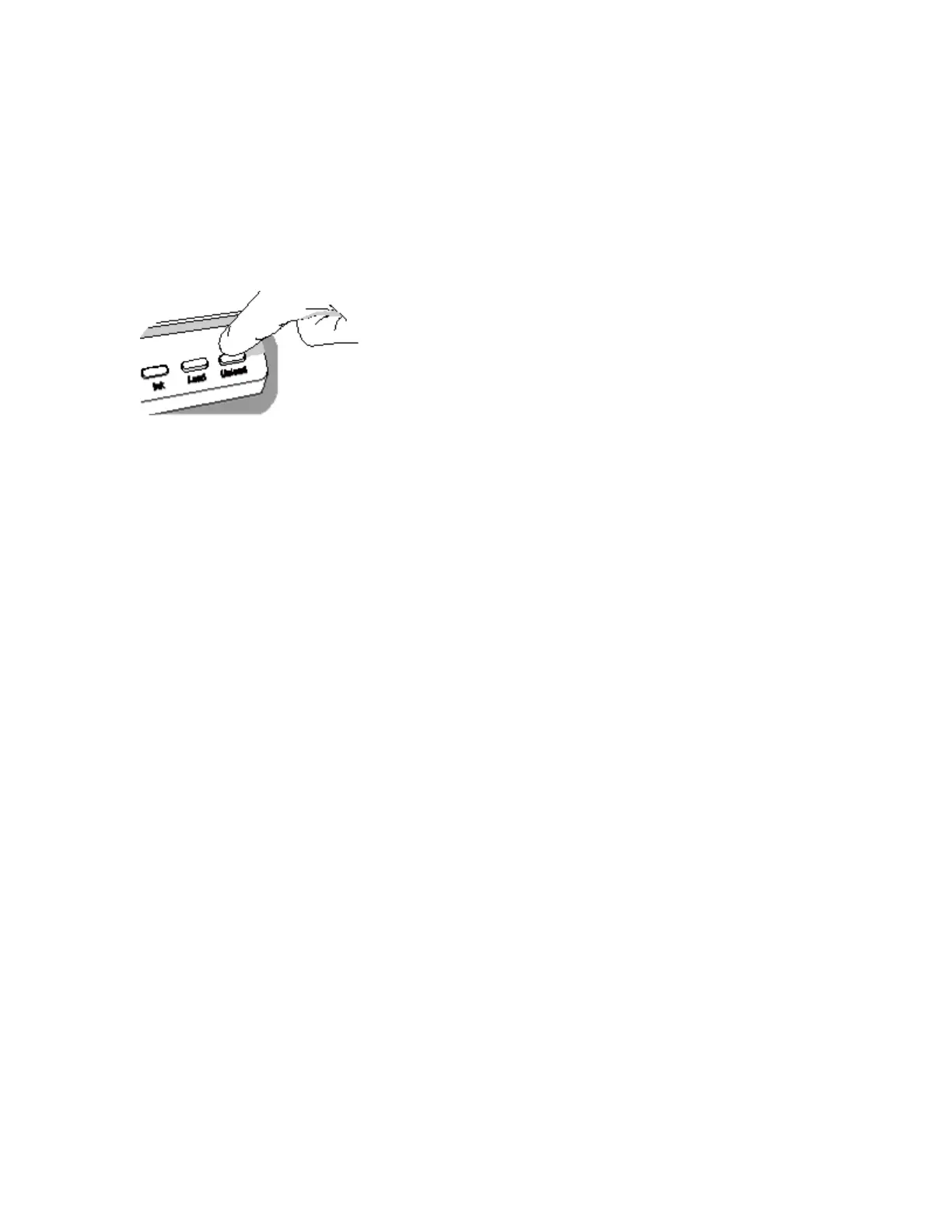
3. Gently remove the jammed portion of the label media.
4. Review the strip of labels. Make sure that you can account for all of the labels and that no
labels are stuck in the front media guide. Discard the damaged label media.
5. If portions of the label media are still jammed in the media path, power off the system (refer to
“Shutdown and Power Off”). Use non-metallic tweezers and carefully remove any additional
label media from the media path.
6. Press the Unload button to reverse any portion of the label media that is still in the media
path.
7. Inspect the label media. Use scissors to cut off any damaged labels.
8. Close the front cover, load the label media, and close the rear cover.
Clearing a Label Jam in the Rear Media Guide
1. Identify the location of the jammed media under the rear media guide.
The rear media path can be exposed by using the thumb screws to remove the rear media
guide cover.
2. Use scissors to cut the liner between two labels by the ink carriage. This will reduce the
number of labels being pulled back through the media path.
3. Gently remove the cut portion of the label media from the front media guide and discard it.
4. Use scissors to cut the liner between the jammed portion of the label media and the label
media roll.
NOTE: Scissors are recommended for cutting the liner so that the label media will have a
straight edge. The straight edge will make loading the label media easier.
5. Gently remove the jammed portion of the label media.
CAUTION: Avoid peeling up a label in the media path. If a label is peeled up in the media
path, do not press the adhesive side of the label against the sheet metal guides.
6. Review the strip of labels. Make sure that you can account for all of the labels and that no
labels are stuck in the rear media guide. Discard the damaged label media.



 To Next Page