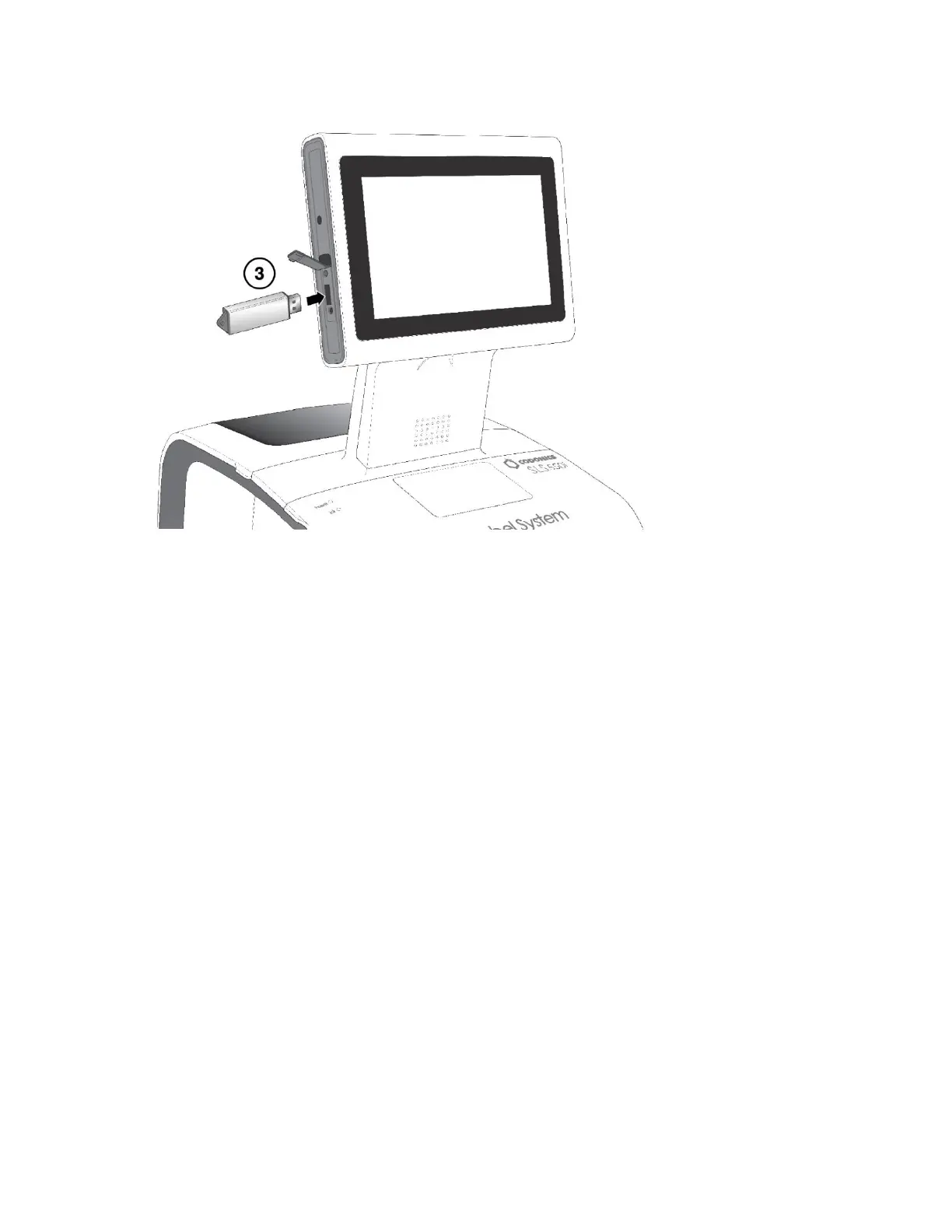
3. Insert the USB flash drive on which the update package or software is installed.
You are prompted to confirm the installation.
4. Press the Yes button to continue.
5. When the installation files have been copied, remove the USB flash drive.
When the installation is complete, the system restarts automatically.
CAUTION: The SLS customer is responsible for ensuring that the correct formulary and
configuration packages are being installed on the SLS.
CAUTION: Practice standard information technology (IT) precautions to protect data associated
with the formulary (for example, securing the content of the USB flash drive on which the
formulary update package is stored).
CAUTION: The SLS customer is responsible for the accuracy of the data in the formulary,
including drug data that has been copied from third-party drug databases.



 To Next Page