www.colorlightinside.com
21
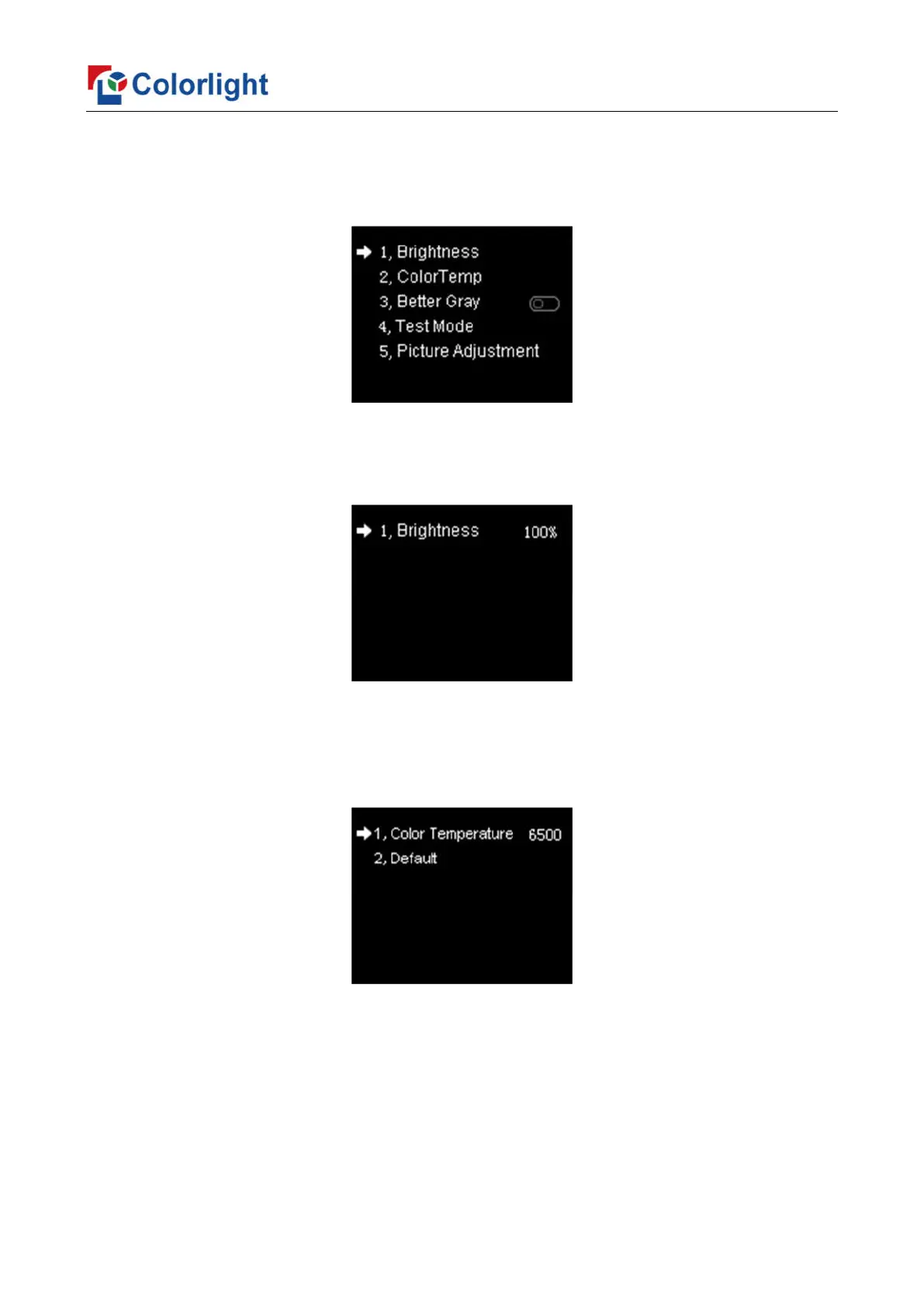
6.3.1 Display Setting
Rotate the knob to select display setting, then press the knob/OK to enter submenu of
“Display Setting”.
1. Brightness
Enter the adjustment interface of “Brightness”, and rotate the knob to change the
percentage of brightness.
2. ColorTemp
Enter the adjustment interface of “ColorTemp”, rotate the knob to change the value of
color temperature in the option of “Color Temperature”, and you can also press the
knob/OK to reset the value of color temperature as 6500 in the option of “Default”.
3. Better Gray
Press the knob/OK to turn on/off the option of “Better Gray”.



 To Next Page