www.colorlightinside.com
24
6.3.5 Preset Setting
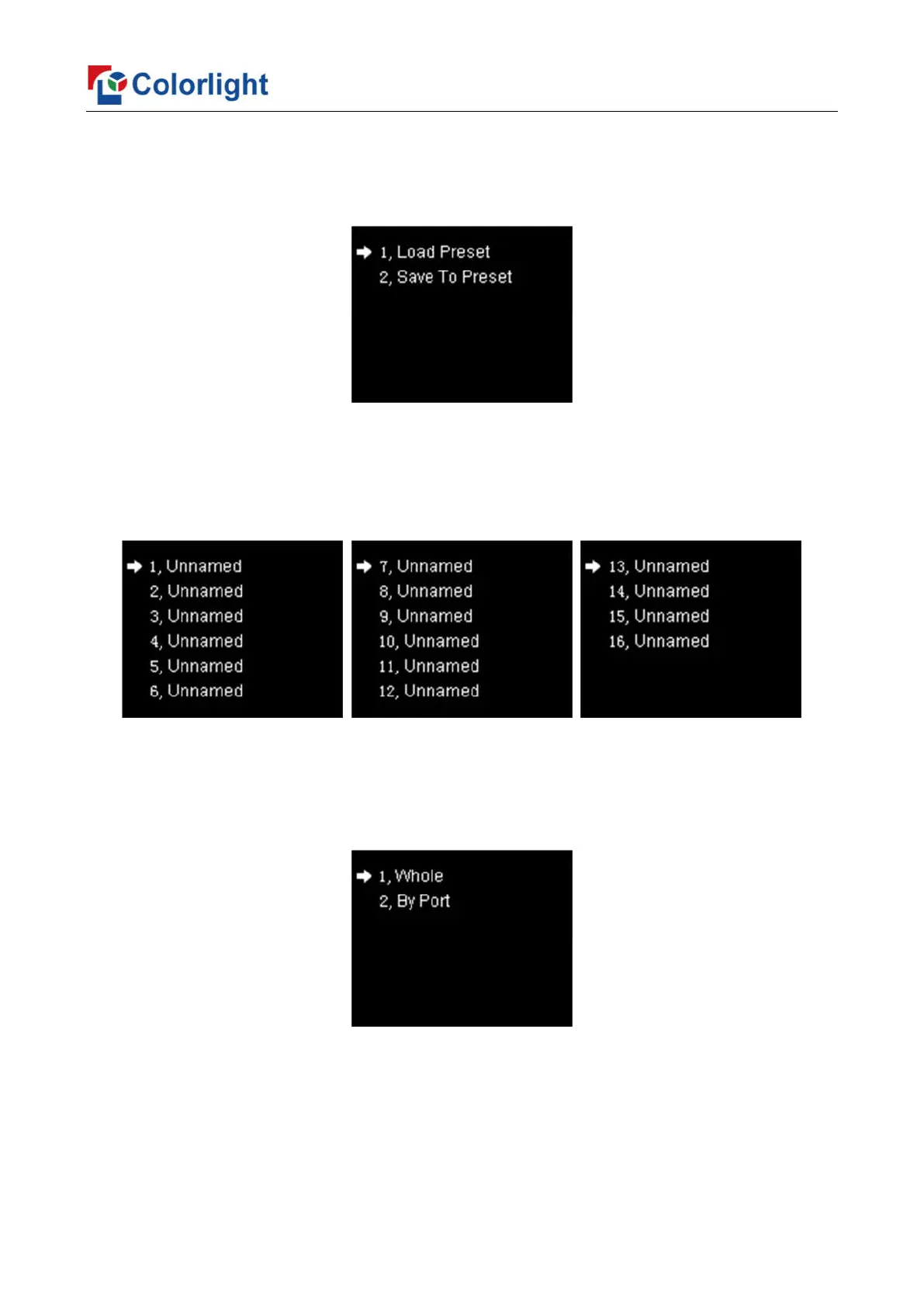
Rotate the knob to select preset setting, then press the knob/OK to enter submenu of
“Preset Setting”.
In the submenu, 16 preset parameters can be saved, and every preset parameter
includes all parameter information of source setup (signal source, PIP, scaling, cropping,
picture adjustment), users can also directly load the saved preset parameter to display the
image according to needs, and don’t need to set up all parameters again.
6.3.6 Output Shift
Rotate the knob to select output shift, then press the knob/OK to enter submenu of
“Output Shift”.
Output shift includes two ways: “Whole” and “By Port”. In the setting interface of
“Whole”, you can rotate the knob to set x and y of the whole image and save it; in the
setting interface of “By Port”, you can set x and y of the image of each net port respectively,
then save it.



 To Next Page