www.colorlightinside.com
25
6.3.7 Tile Mapping
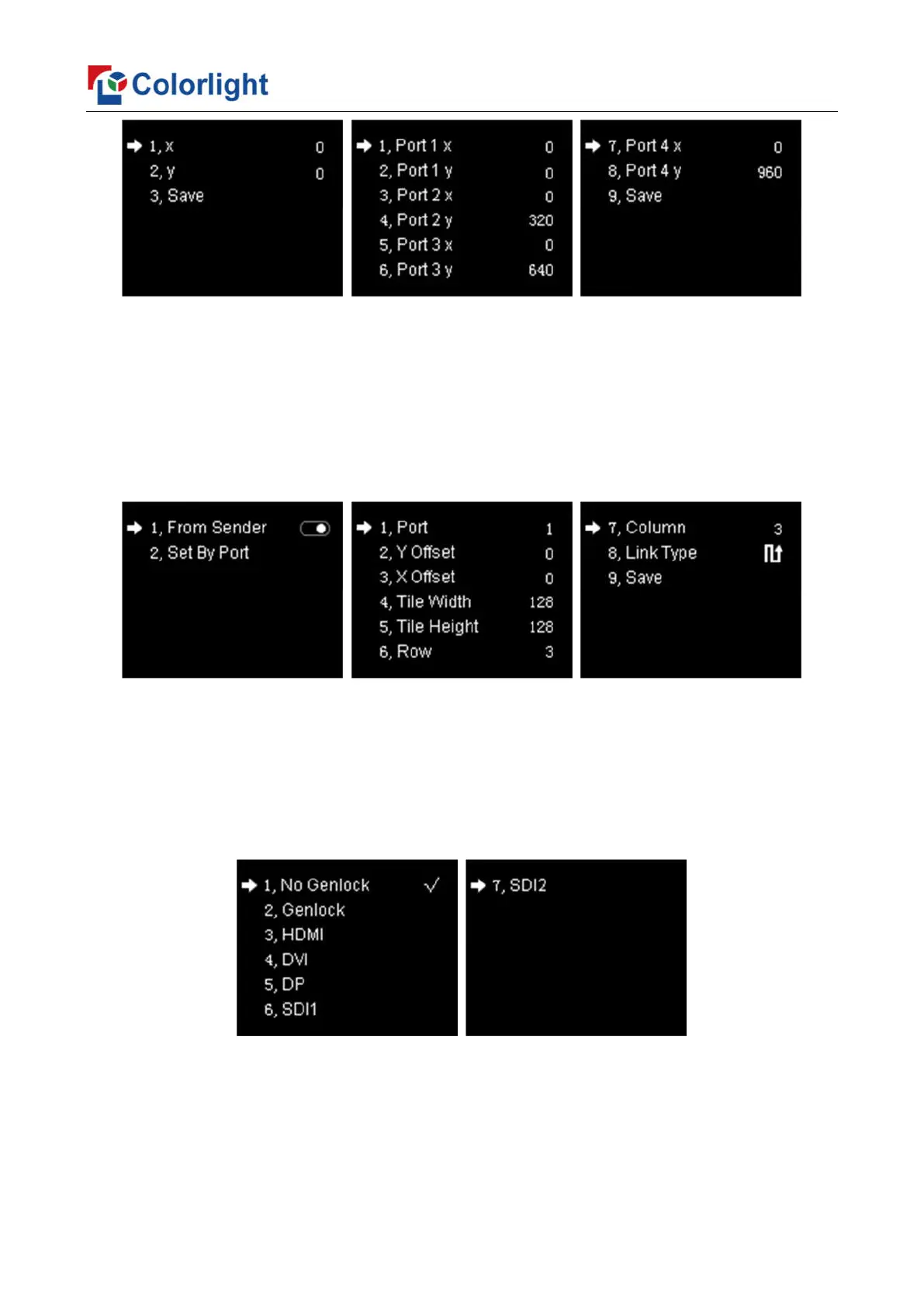
Rotate the knob to select tile mapping, then press the knob/OK to enter submenu of
“Tile Mapping”. In the submenu, press the knob/OK to set sender as the connection source.
At this time, rotate the knob and press the knob/OK to enter the setting interface, select the
net port of which need to be set and set offset values of X and Y, also, you can set the width,
height, row, column and link type of corresponding cabinets, then save all the parameters.
6.3.8 Lock To Input
When several controllers were cascaded with each other, “Lock To Input” is necessary
to ensure the synchronization of video display. Rotate the knob to select “Lock To Input”,
then press the knob/OK to enter submenu of it, in the submenu, you can select Genlock
synchronous signal source by knob.



 To Next Page