www.colorlightinside.com
2
2. Appearance
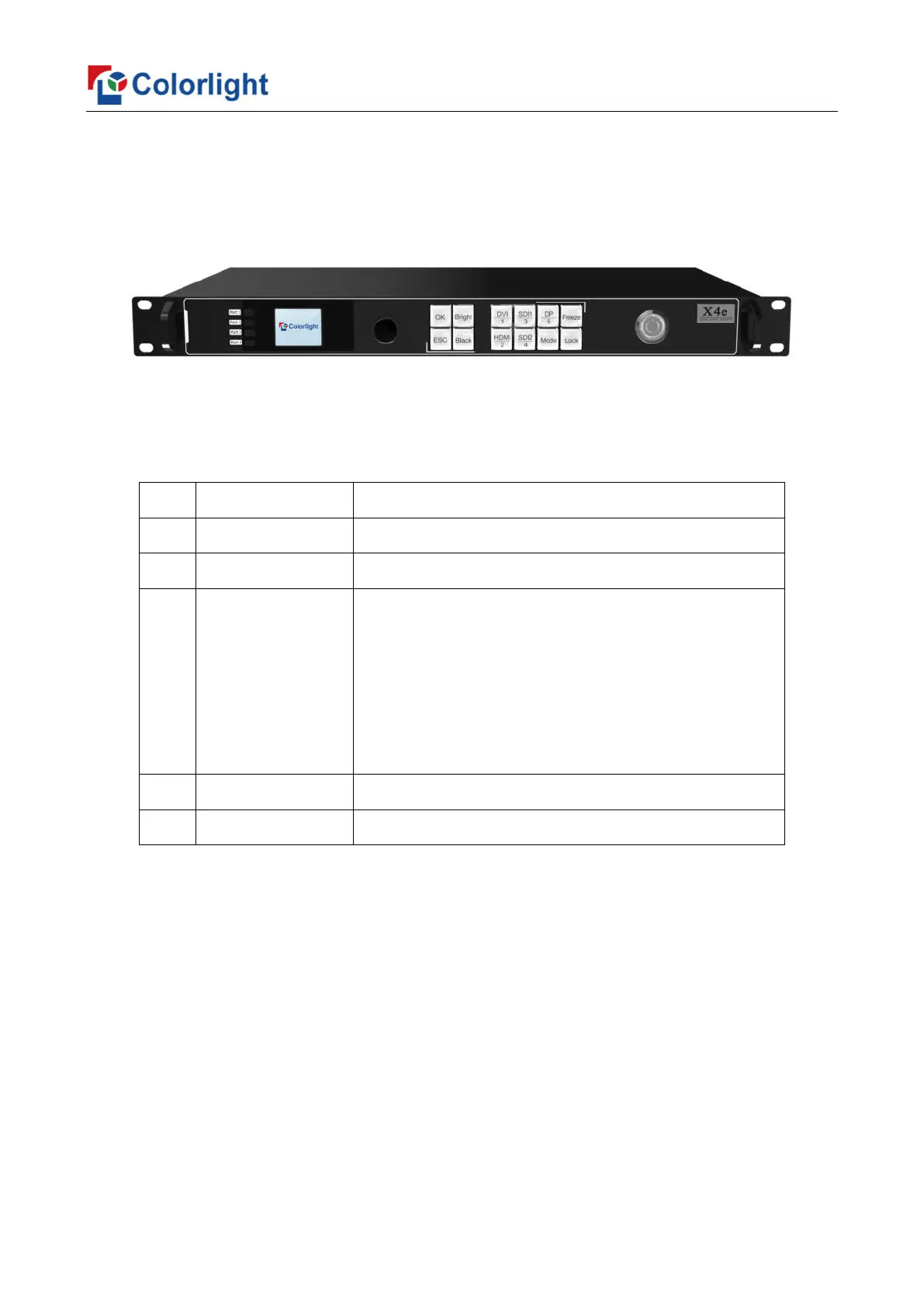
Front Panel
No. Name Function
1 1.8-inch LCD Display operation menu and system information
2 Knob
Turning knob to select or adjust
3 Function Keys
OK: Enter key
ESC: Escape current operation or selection
Bright: Brightness option
Black: Blank screen
Mode: Output mode selection of images
Freeze: Freeze screen
Lock: Lock keys
4 Selection Keys
DVI/HDMI/SDI 1/SDI 2/DP: Video source selection
5 Power Switch
Power switching for equipment



 To Next Page