InteliSys
NT
-AFR-Abstract, SW version 1.0, ©ComAp – December 2006 10
IS-NT-AFR-1.0-Abstract.pdf
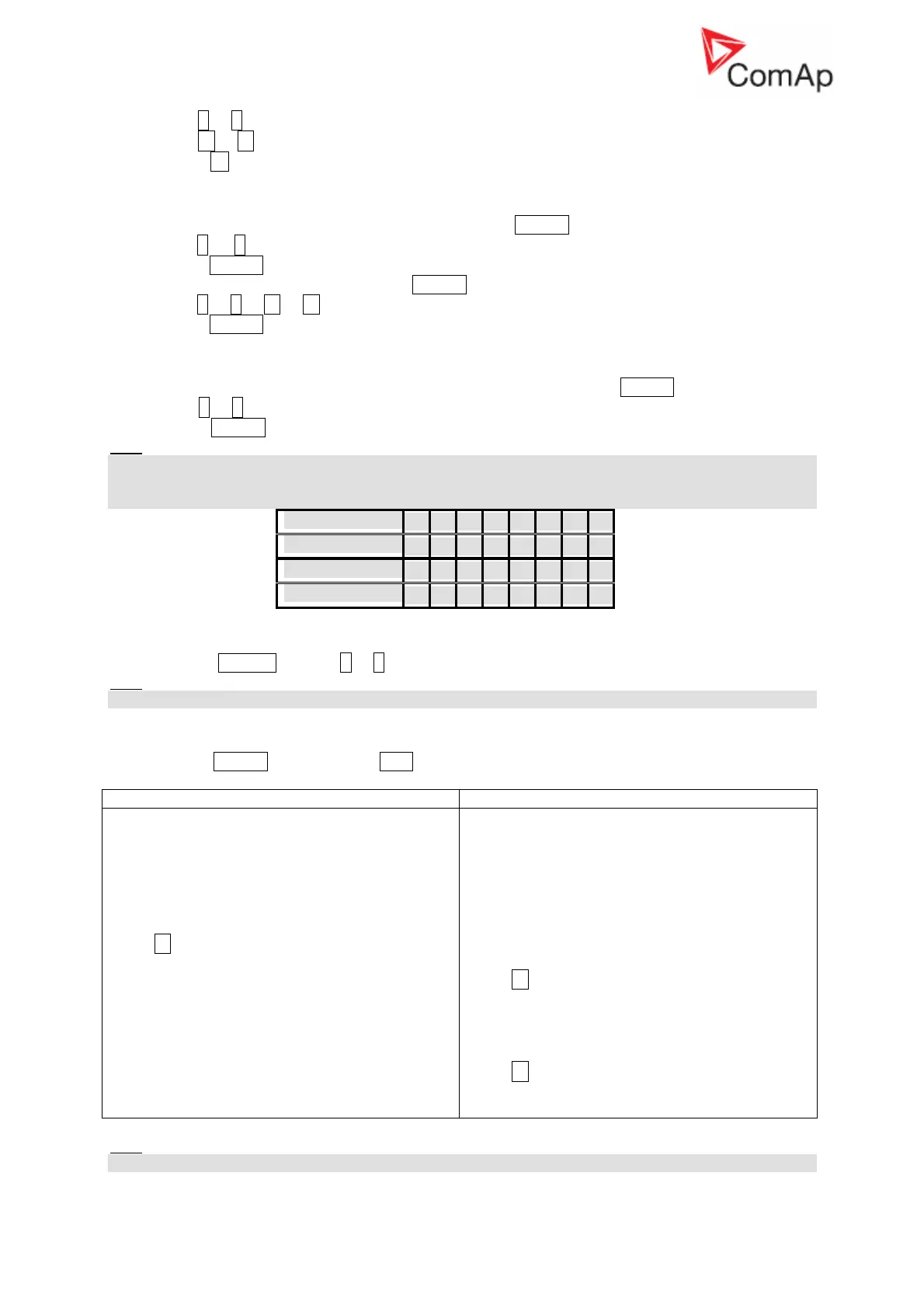
2. Use ↑ or ↓ to select a requested record.
3. Use → or ← to cycle forward/backward through columns of the record.
4. Press ± to cycle through the whole screens of columns/rows.
How to change password?
1. Select USERS/PASSWORD menu item and press ENTER.
2. Use ↑ or ↓ to select User.
3. Press ENTER to confirm.
4. Select ChangePassword and press ENTER
5. Use ↑ or ↓ or ← or → to set new password
6. Press ENTER to confirm password
How to set Language?
1. Select LANGUAGE menu item (if not already selected) and press ENTER
2. Use ↑ or ↓ to select a requested Language.
3. Press ENTER to confirm.
Hint:
If binary inputs Lang sel int A,B,C (for IG-NT/EE internal display and IS-Display with address 1) or
Lang sel #2 A,B,C (for IG-Display and IS-Display with address 2) or Lang sel #3 A,B,C (for IS-Display
with address 3) are used, it is not possible to change languages from Language screen.
Language
0 1 2 3 4 5 6 7
Lang sel xxx A
0 1 0 1 0 1 0 1
Lang sel xxx B
0 0 1 1 0 0 1 1
Lang sel xxx C
0 0 0 0 1 1 1 1
How to change the display contrast?
Press and hold ENTER and use ↑ or ↓ to adjust the best display contrast.
Hint:
Available from the MEASUREMENT screens only.
How to check the serial number and software revision?
Hold down the ENTER and then press ESC. On the display you can see controller INFO screen for 10
seconds.
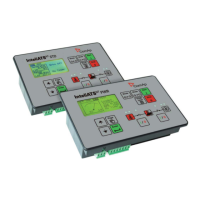
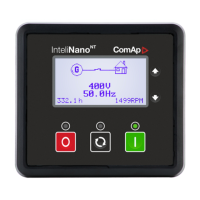
InteliGen
NT
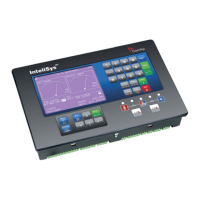
InteliSys
NT
Controller INFO screen contains:
1. Controller name (see Basic settings
group)
2. Controller serial number (8 character
number), SW version, ID string and release
date
3. Application: SPtM, SPI, COX…
Using → you can view the INFO2 screen which
contains:
1. Display SW version
2. ID chip and Dongle content
3. Password decoding string
Controller INFO screen contains:
1. Controller name (see Basic settings group)
2. Firmware and release date
3. Controller serial number (8 character
number)
4. Application: SPtM, SPI, COX…
5. Password decode number
6. IS-Display version and release date
7. Encoding: available character sets
Using → you can view the INFO2 screen which
contains:
1. IDch: ID string
2. Dngl: connected dongle
3. Supported code pages
Using → again you can view the INFO3 screen
which contains:
1. IS-Display IDchip: ID string
Hint:
Available from the MEASUREMENT screens only.










 To Next Page