InteliSys
NT
-AFR-Abstract, SW version 1.0, ©ComAp – December 2006 28
IS-NT-AFR-1.0-Abstract.pdf
Setpoints – Timers setting
There is 16 channels, each defines occurrence date and time (year, month, day, hour, minute),
duration time (in minutes, maximum is 24*60), repeating period (day, week, month, once). In case of
week – day of the week selection, when should be executed + selection of repeating (every 1
st, 2nd, 3rd
or 4th week); In case of month – day of the month selection (e.g. every 3rd day or every 2nd Monday)
Every channel can be disabled by blocking input. If blocking input is active then the timer is not
activated even if it should be, according to it’s other settings.
The channels are divided into groups of 4. Each group has independent binary output, which activates
if any of the 4 channels within the group is active (1-4, 5-8,...). There is also one common output for all
16 channels.
Hint:
Engine can start after controller is switched from MAN to AUT mode or when controller is switched ON
in AUT mode when Timer is active !!!
Baseload FastEdit
It is possible to change setpoint ProcessControl: Base load from controller panel instead from
Process control setpoint group:
1. Press ± button on controller numeric keyboard to open Fast Edit screen. There is actual value
and limits.
2. Change Baseload value using UP/DOWN (±1 increment with auto repeat) or LEFT/RIGHT (±10% of
Nominal power increment) arrow keys.
3. Press ENTER to confirm value or CLEAR to escape Fast edit screen.
Setpoints – Engine protect
The only Air Fuel Ratio specific setpoints are listed below. For other setpoints list and description
refer to standard IGS-NT User guides.
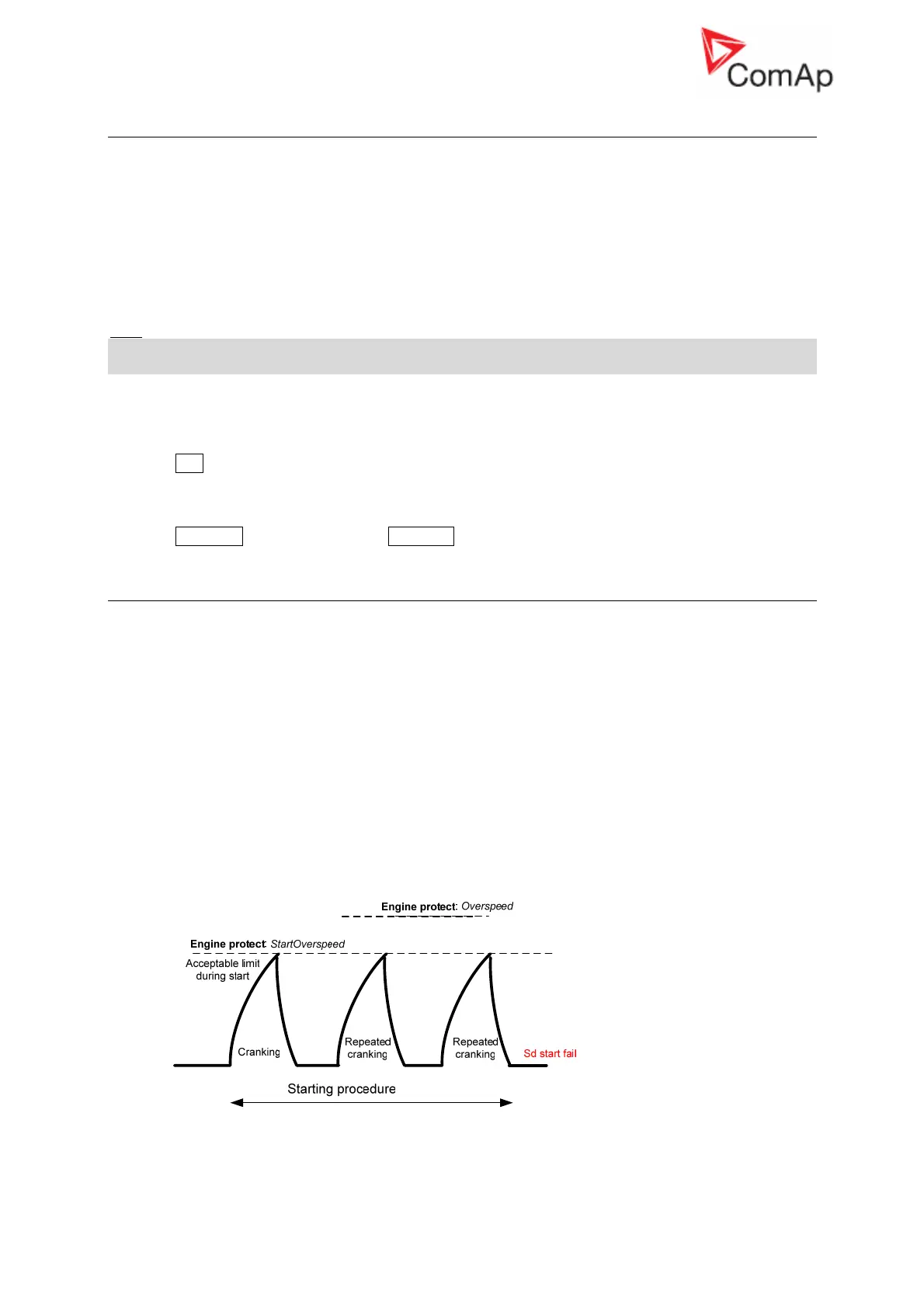
Overspeed [ % ]
Threshold for engine over speed protection – active all time.
Step: 1% of Nominal RPM
Range: 0 – 200%
StartOverspeed [ % ]
RPM limit without delay:
• During the starting procedure: stops the engine and initiates new starting attempt (without Fault)
reset until reaches the Engine params: Cranking attempts number.
• Initiate Engine shut down after engine is running.
Step: 1% of Nominal RPM
Range: 0 – 200%










 To Next Page