INSTALLATION GUIDE FOR mBDA OD SERIES
Copyright - refer to title page
Figure 27: Web GUI Main Screen
On Comba Web GUI Home Screen, there are four Menu bars:
[Devices], [Commissioning], [Firmware] and [Management].
Note: if RFU ALM LED is yellow that means the RFU Commissioning procedure is not finished, or the ALM
LED will be off when no alarm is triggered. MCU MOD LED is red that means there is no valid SIM card
ready.
5.2.1 [DEVICES]
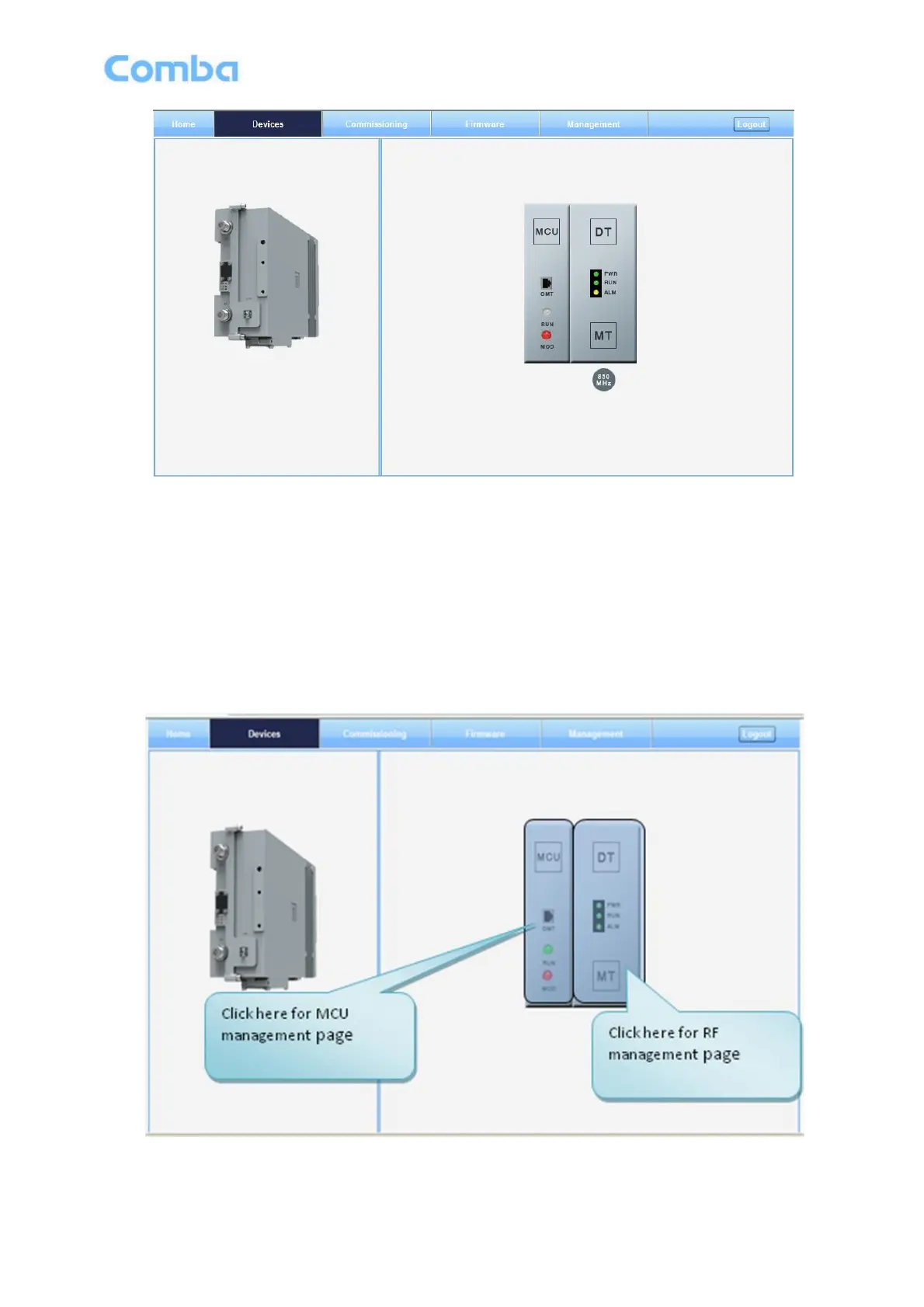
The [Devices] Screen shows the actual active modules of mBDA.
Figure 28: [Devices] Screen



 To Next Page