INSTALLATION GUIDE FOR mBDA OD SERIES
Copyright - refer to title page
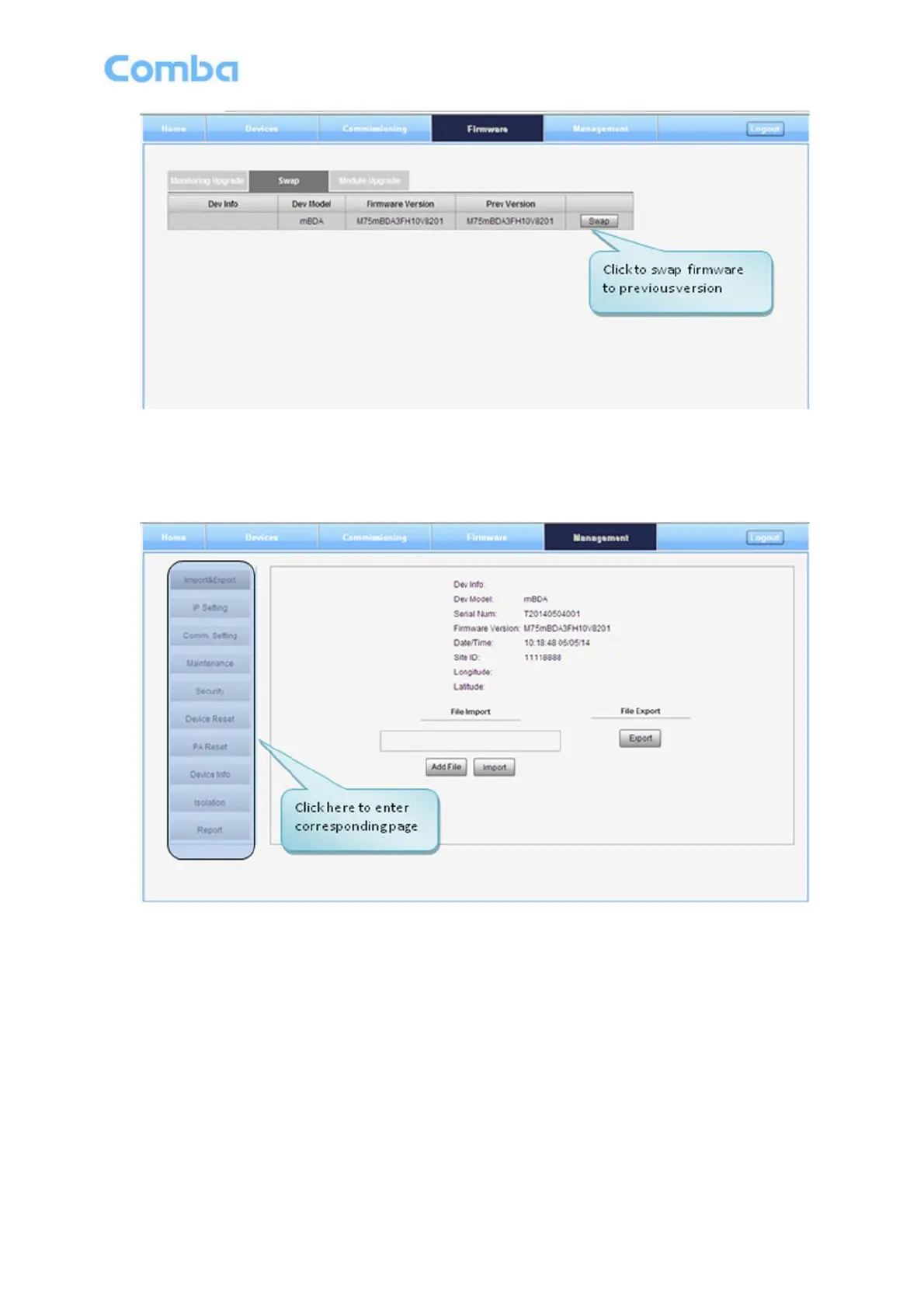
Figure 36: [Firmware] Screen - Swap
5.2.4 [MANAGEMENT]
Other parameters can be configured on [Management] Screen.
Figure 37: [Management] Screen
There are nine function bars list in the left side of the [Mangement] Screen. Below figures are the
introduction of each function bar.



 To Next Page