CONVERSip EP100 User
Sept ‘04 Comdial 15
1. OVERVIEW
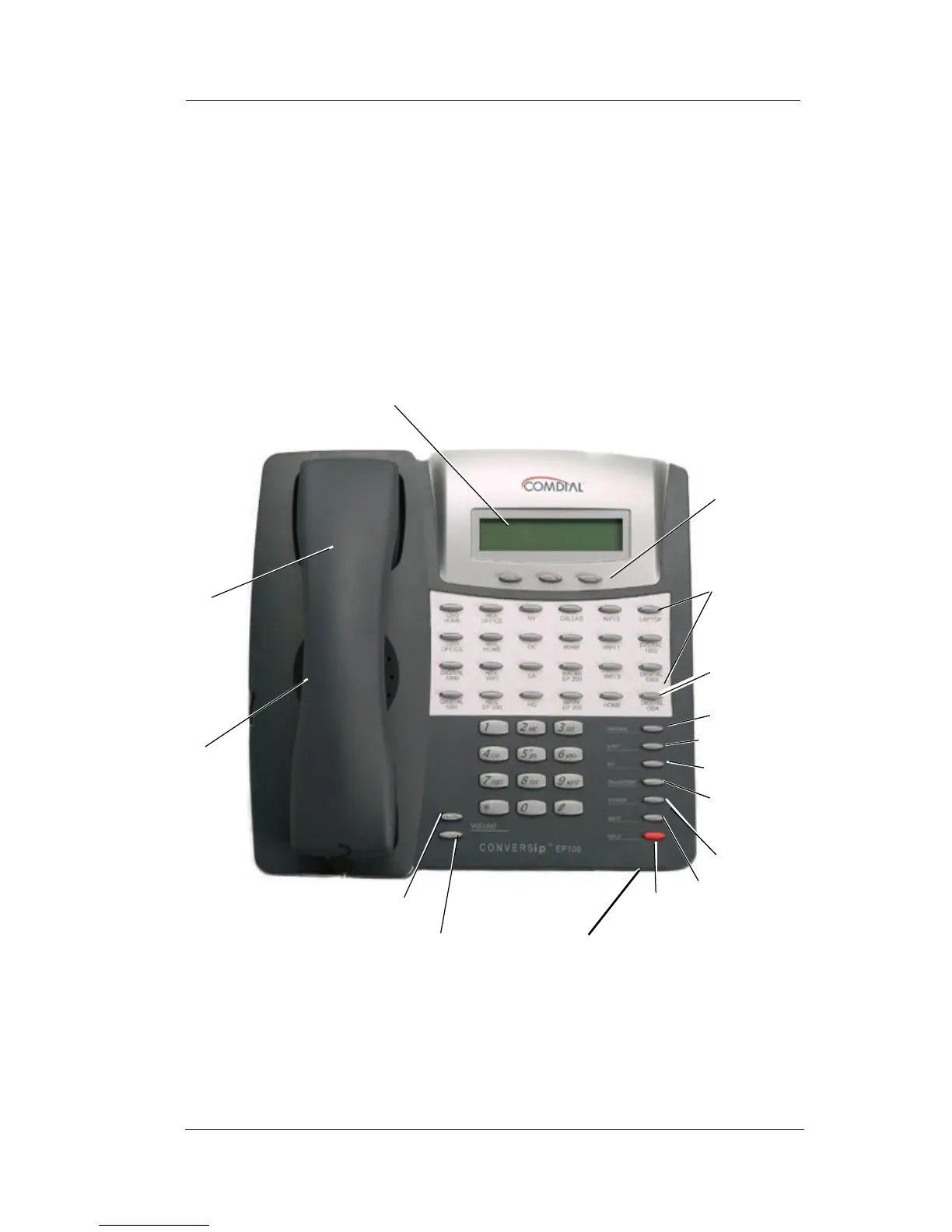
Before you start using your CONVERSip EP100 digital endpoint,
take a quick look at its layout. The EP100 has three soft keys, 12 or
24 programmable buttons, seven fixed function buttons, volume up
and down buttons, an LCD, and a standard dial pad.
Figure 1-1 EP100-24
handset
speaker
LCD
soft keys (not
programmable)
VOLUME up
24
programmable
buttons
MESSAGE
TAP
SPEAKER
MUTE
HOLD
microphone opening
SHIFT
TRANSFER/
CONFERENCE
VOLUME down
INTERCOM
(default location)












 To Next Page