CONVERSip EP100 User
Sept ‘04 Comdial 65
5. NONVERBAL MESSAGING
5.1 LCD Message Delivery
You can set system-supplied messages at your station to be received
and displayed by a calling LCD speakerphone.
To turn on a message from your telephone,
1. Press INTERCOM and dial *02.
2. Dial the desired code number from your message list (01–30)
on the next page, or press HOLD button to scroll through the
available messages and dial # to select
• For a “Back At” message, dial the code for time numbers and
colon from dialing codes table.
(For example, DIAL # 00 01 29 04 05 for the time 01:45).
• For a “Call” message, dial code for telephone number of your
new location.
(For example, dial # 09 07 08 15 02 02 00 00 for the number
978–2200).
3. Dial # and press SPEAKER to end message.
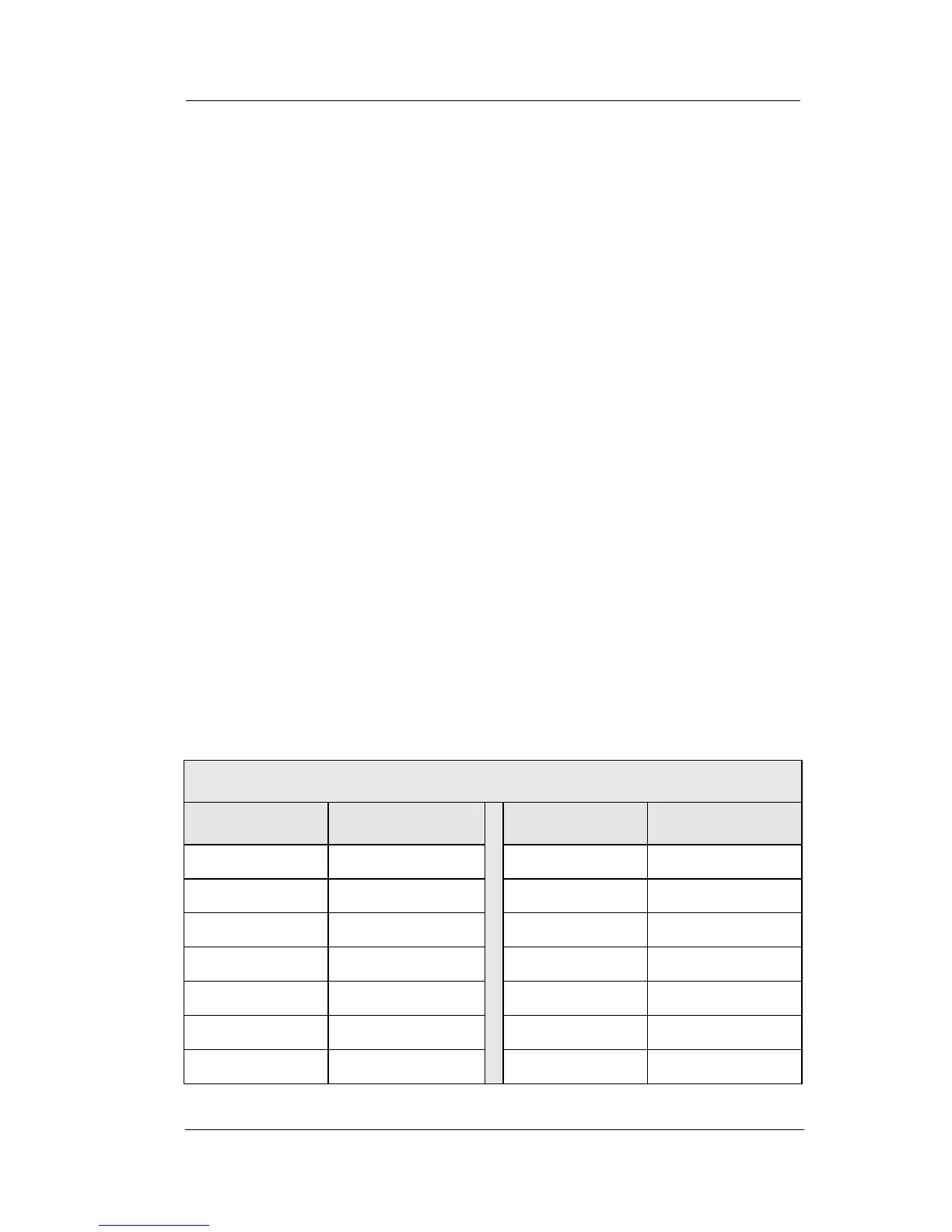
Dialing Code Table
Character Dialing Code Character Dialing Code
1 01 8 08
2 02 9 09
3 03 0 00
4 04 space 12
5 05 – 15
6 06 : 29
7 07












 To Next Page