CONVERSip EP100 User
Sept ‘04 Comdial 41
3.3 Automatic Dialing
This feature provides one- or two-button speed dialing using pro-
grammable buttons at which you have previously stored numbers.
There are two types of speed dial numbers:
• numbers that you store for your own use (personal speed dial
numbers), and
• numbers that the system attendant stores for everyone’s use
(system speed dial numbers).
To automatically dial a number stored at one of the programmable
buttons on your station, choose one of the following:
1. Press a programmed speed dial button (line selection is usually
a part of the stored speed dial number).
2. Press SHIFT and a programmed speed dial button (to choose
number stored as second choice at that button).
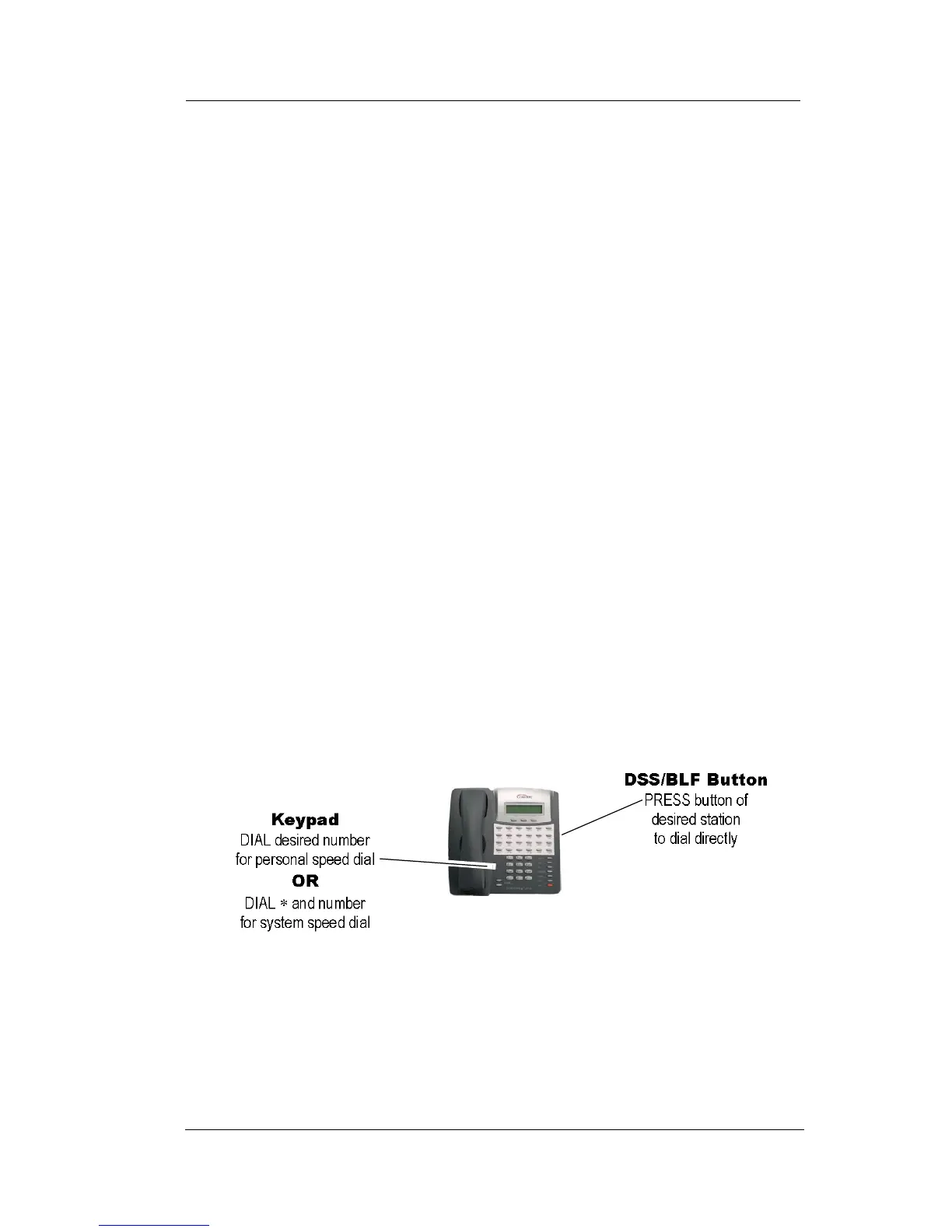
To speed dial a personal speed dial number while on hook, dial the
speed dial number on dial pad (0 to 9).
To speed dial a system speed dial number, while on hook, dial * and
the system speed dial number.
Speed Dialing Options












 To Next Page