CONVERSip EP100 User
Sept ‘04 Comdial 71
6. PROGRAMMING
6.1 DSS Numbers
Storing another station extension number at a DSS/BLF program-
mable location allows you to monitor that station, dial with the press
of one button, or pick up or hold calls at that station quickly and con-
veniently. Note: Storing DSS numbers at button locations overwrites any
previously stored numbers.
To store an intercom number as a DSS number,
1. Select OPTIONS.
2. Select NEXT until the DSS
option appears.
3. Select DSS.
4. Press programmable button to
choose DSS/BLF button location.
5. Dial extension number.
6. Repeat the previous steps, or
select EXIT.
7. Press SPEAKER to end.
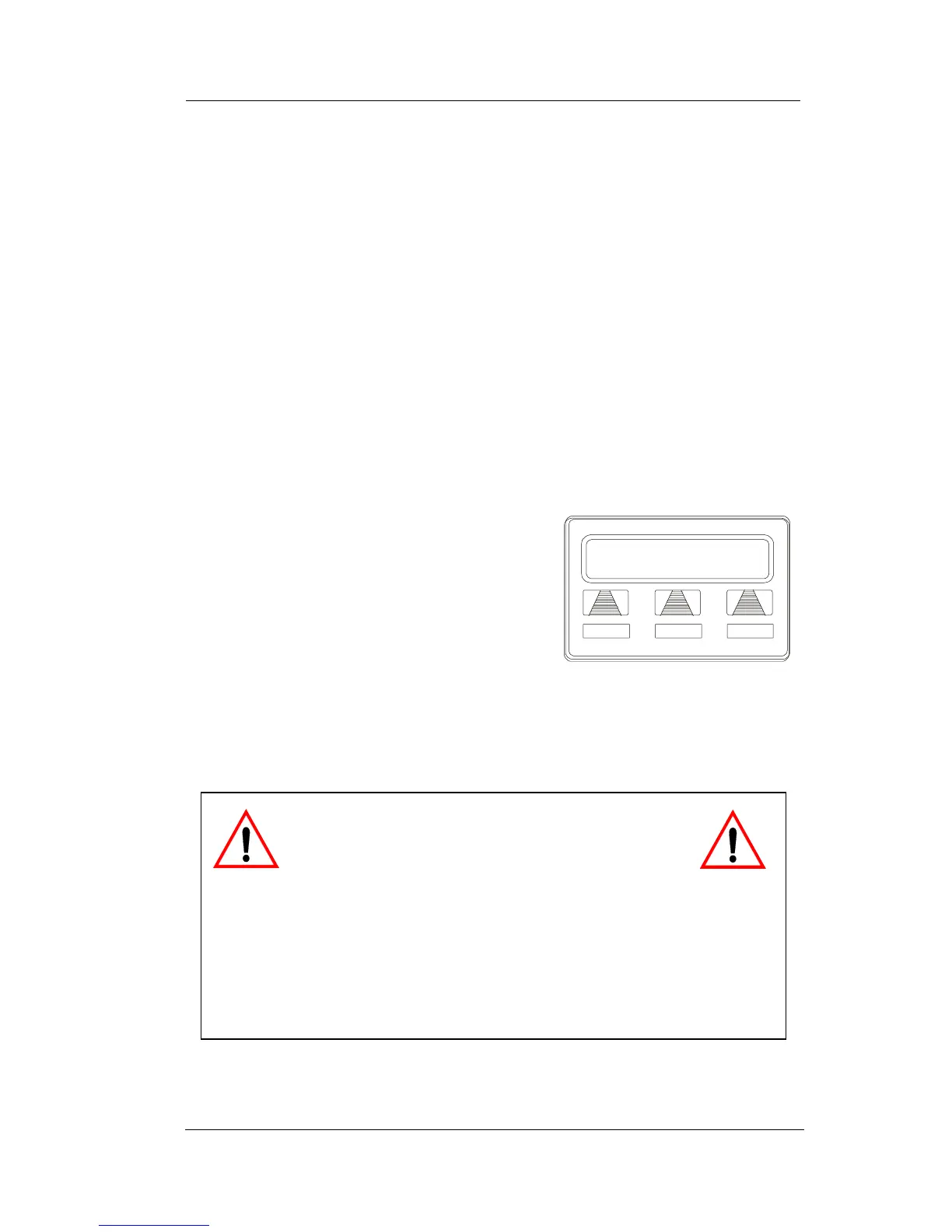
Enter Ext:
EXIT
Designating an Extension
CAUTION
Do not attempt to program soft keys; doing
so can cause the system to make features
unavailable. If you inadvertently program soft keys, you can
retrieve their functions in the following manner:
1. Press INTERCOM **1
2. Press the soft key to be reprogrammed
3. Dial 91, 92, or 93 (for buttons from left to right).












 To Next Page