Other Advanced Features
90 Comdial Sept ‘04
2. Press INTERCOM (call is automatically placed on hold).
3. Dial *04 and the account code, or press programmed
ACCOUNT CODE button,.
4. Listen for dial tone and dial number you are calling.
Note: See Section 6.4, LCD Feature Buttons for instructions on pro-
gramming a dedicated ACCOUNT CODE button.
7.8 Dial By Name
The Dial By Name feature provides an
index of names for you to search
through. When you select a name in the
index, the system will automatically dial
that person’s extension number.
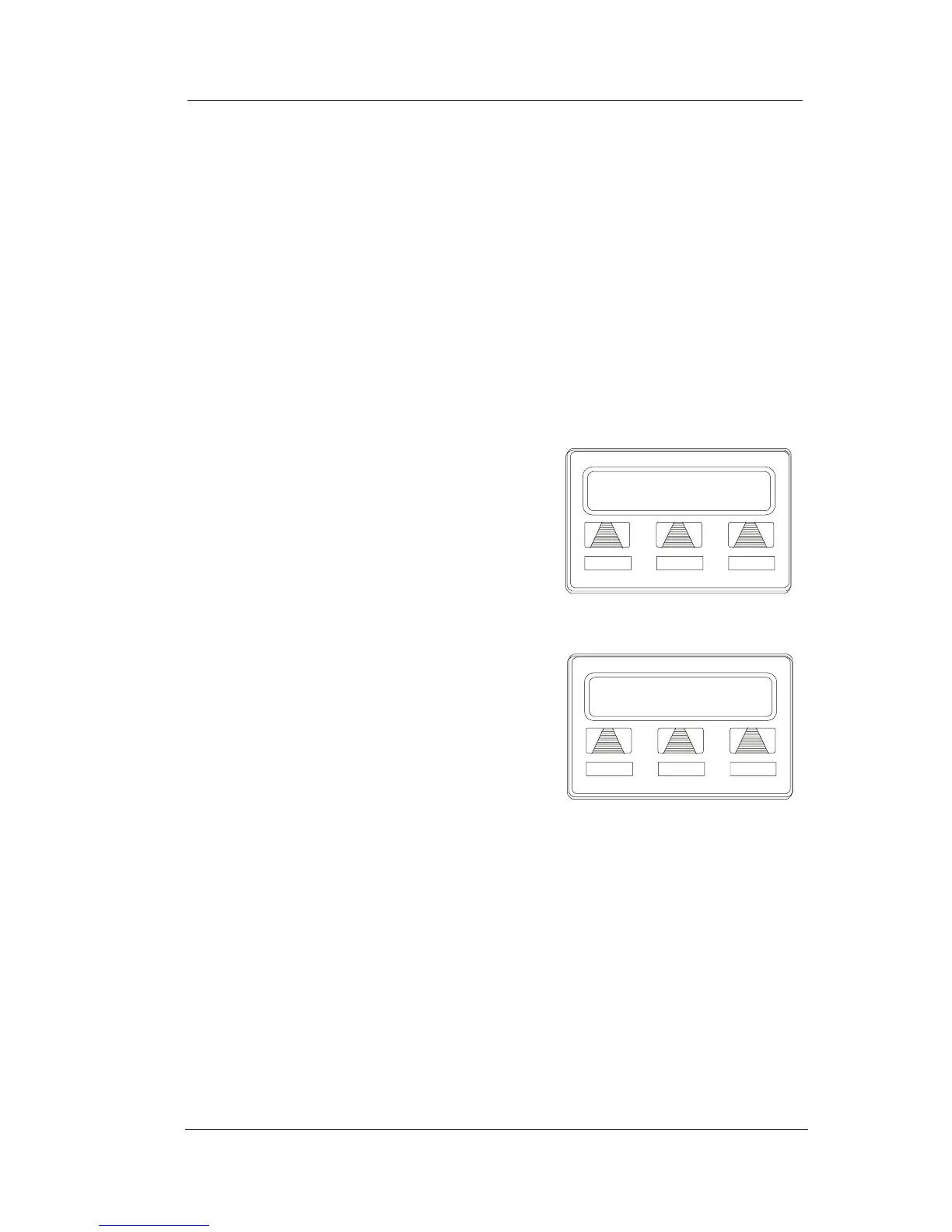
To use Dial By Name,
1. Select OPTIONS to enter the dial
by name menu.
2. Select INT button for intercom
calling, or select EXT for speed
dial calling.
3. Select ALL to view all entries or
dial digits corresponding to the
letters in the name you want to
locate (for example, dial 266 for Comdial). There is no limit to
the number of digits you can dial.
4. The display shows the first existing name match to the dialed
digits or shows a NO MATCH message if the system can not
find a match.
Dial by Name
INT EXT NEXT
Selecting Dial By Name
Enter Digits
ALL EXIT
Entering Search












 To Next Page