DX-80 INSTALLATION AND MAINTENANCE MANUAL
P7290 IMM 3-151
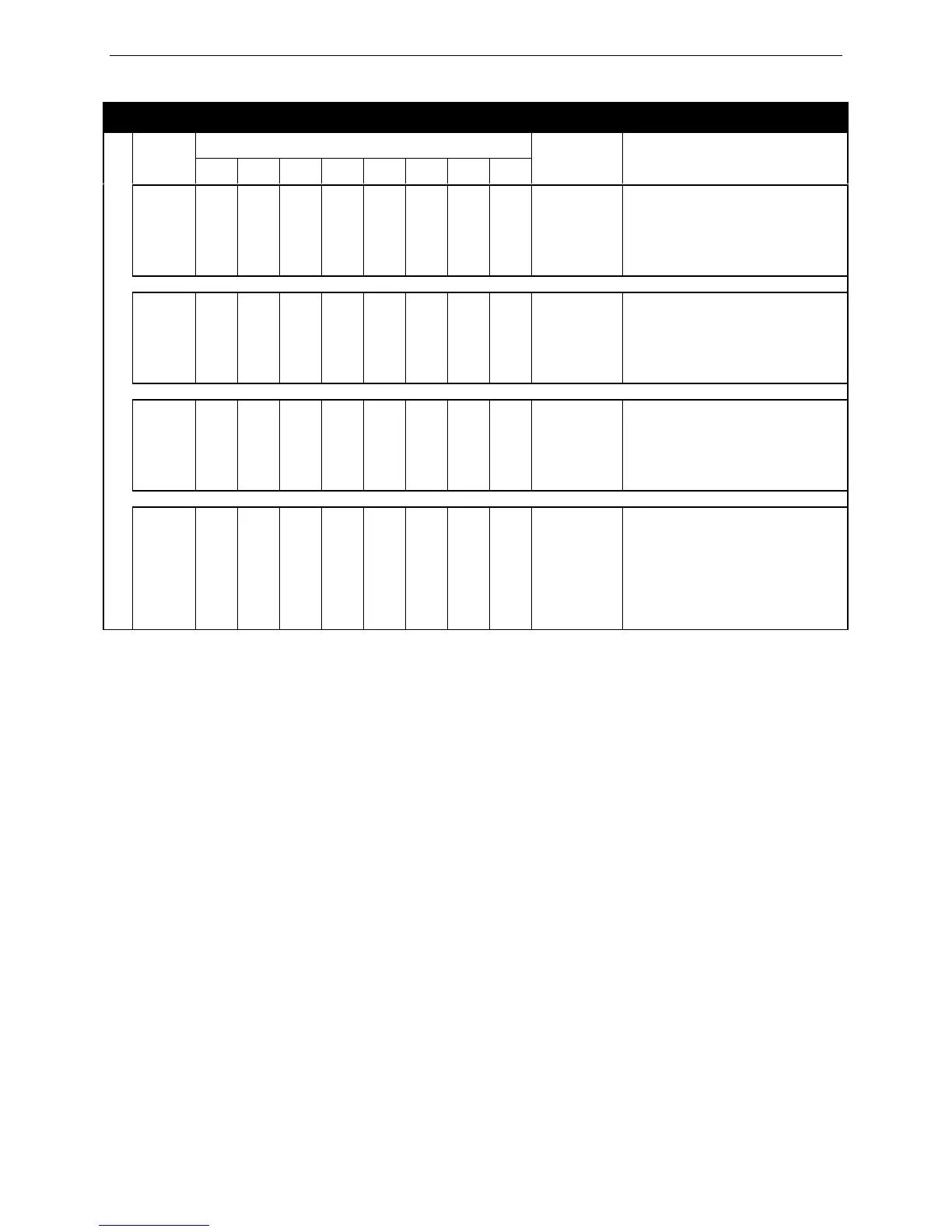
Extension Directory Number Examples
Leading Digit(s)
Length
1 2 3 4 5 6 7 8
Resulting
Code
Comments
A 4 1 Null Null Null Null Null Null Null 1000-1999
1. Users dial 1000-1999 when
dialing other extensions.
2. The digit “1” is unavailable as
the first digit for any other
directory number use.
B 3 1 Null Null Null Null Null Null Null 100-199
1. Users dial 100-199 when
dialing other extensions.
2. The digit “1” is unavailable as
the first digit for any other
directory number use.
C 2 1 2 3 Null Null Null Null Null 10-39
1. Users dial 10-39 when dialing
other extensions.
2. Digits 1, 2 & 3 are unavailable
as the first digit for any other
directory number use.
D 2 10 11 12 13 14 15 16 17 11-17
1. Users dial 11-17 when dialing
other extensions.
2. The digit “1” is unavailable as
the first digit for any other
numbering plan requirements.
3. Only eight extensions will have
intercom numbers.
• Press the Hold button to return to the previous menu level or press the Volume button to return to the DB
Item Selection screen or exit programming.
Programming via PC-DBA
Note: PC-DBA is a DOS-based programming utility.
• Enter PC-DBA by typing “DX-80” at the DOS prompt in the PC-DBA working directory and then pressing
«.
• Press any key at the program title page (as it requests) to enter the Main Menu.
• Select PC-DBA from the main menu.
• Select Programming from the PC-DBA menu. Then press «.
• Use ¢£¤¥ to highlight “System Application.” Then press «.
Program EXAMPLE: Group Pickup Directory numbers:
• Use ¢£¤¥ to highlight “Numbering Plan 3.” Then press «.
• Use ¢£¤¥ to highlight the database item to be changed: “Length,” “Leading 1,” “Leading 2,” or
“Leading 3.”
• Press « to change the data item value.
• For “Length,” press « until the appropriate length of this directory number displays.
• For Leading 1, 2, and 3: input the required code then press «.
• Continue programming other database items as required.














 To Next Page